Top 7 AI Tools for Multilingual LinkedIn Posts

Creating LinkedIn posts in multiple languages can significantly increase engagement with global audiences. Instead of relying on manual translations, AI tools now offer faster, more accurate, and culturally appropriate solutions to help you maintain your brand's voice across different languages. Here are the top 7 AI tools to consider:
- Draft AI: Tailors multilingual posts with brand-specific tone and visual customization for LinkedIn.
- GrammarlyGO: Ensures polished writing with grammar corrections but has limited multilingual capabilities.
- Jasper AI: Offers 26-language support, tone consistency, and collaboration tools for professional campaigns.
- Writesonic: Powered by GPT-4, it provides customizable templates and tone options for LinkedIn-specific content.
- Linguix AI: Focuses on improving clarity and grammar, with limited details on multilingual features.
- DeepL Write: Excels in translation accuracy for over 30 languages, prioritizing natural phrasing.
- ContentStudio: Combines AI-powered writing, scheduling, and analytics for managing multilingual LinkedIn content.
These tools cater to various needs, from solo professionals to large teams managing global campaigns. Choose based on language support, tone control, LinkedIn-specific features, and collaboration tools.
3-minute Logic: Multilingual & Personalized LinkedIn Messaging with UiPath, ChatGPT & DeepL
Quick Comparison
| Tool | Multilingual Support | Tone & Style Features | LinkedIn-Specific Features | Best For |
|---|---|---|---|---|
| Draft AI | Strong multilingual support | Consistent tone, visual customization | Templates, export options | Quick, personalized posts with visuals |
| GrammarlyGO | Limited | Grammar and tone corrections | Real-time editing | Polished content across languages |
| Jasper AI | 26 languages | Brand tone memory, marketing templates | Campaign management | Global LinkedIn campaigns |
| Writesonic | GPT-4 powered | Customizable tone and perspective | 100+ LinkedIn templates | Versatile content creation |
| Linguix AI | Limited | Clarity and grammar improvement | Browser extension | Non-native English speakers |
| DeepL Write | 30+ languages | Natural phrasing with context | Copy-paste workflow | Translation accuracy |
| ContentStudio | Multi-language support | AI writing and brand alignment | Scheduling, analytics | Managing multiple LinkedIn accounts |
Choose the tool that aligns with your goals, team size, and workflow. Free trials can help you test which one fits your needs best.
1. Draft AI
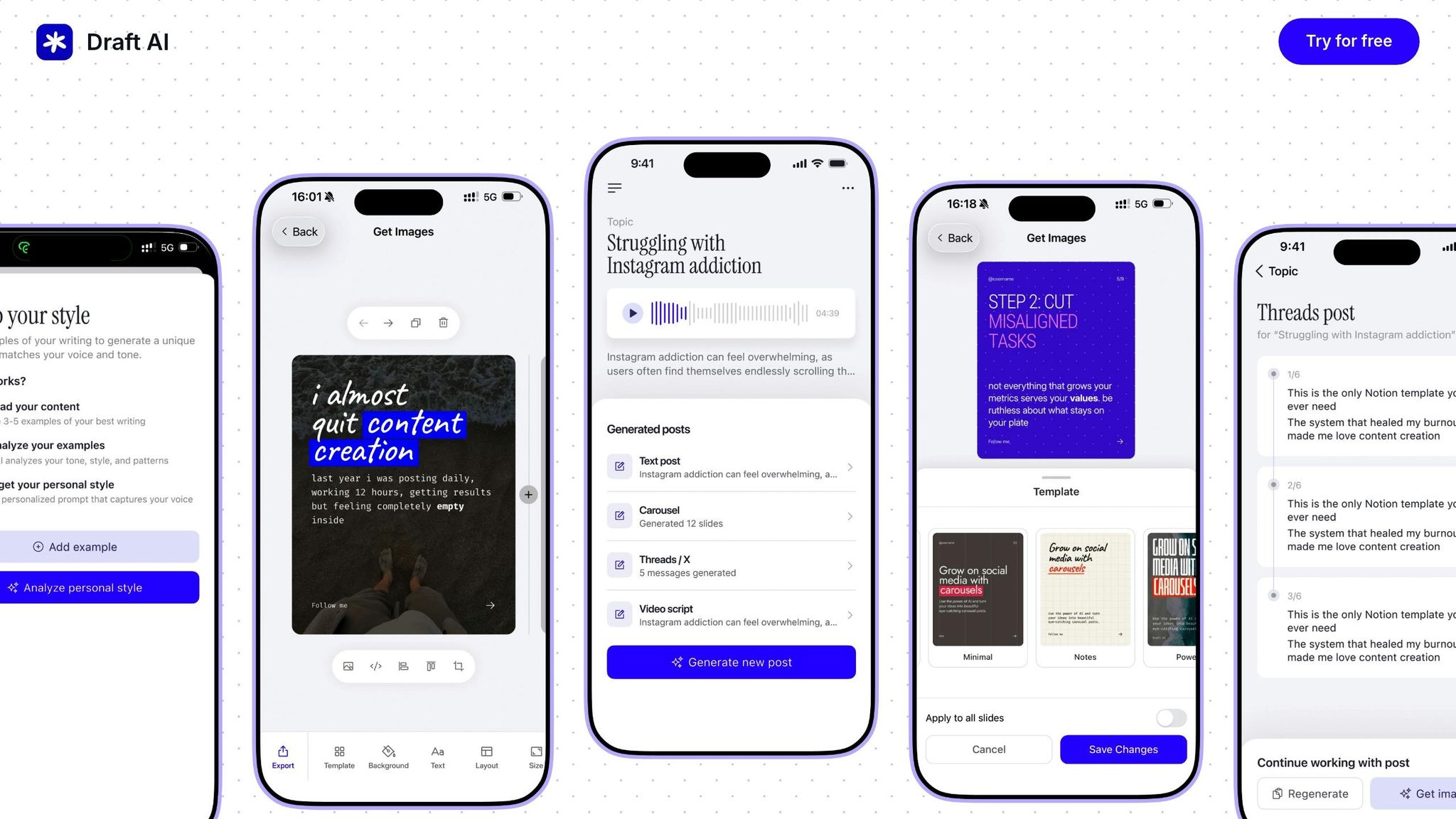
Draft AI takes your raw ideas and turns them into polished LinkedIn posts. Whether your message is in English or another language, this tool helps you connect with a global audience. Let’s dive into what makes Draft AI a standout choice for creating LinkedIn content.
Multilingual Translation
With Draft AI, you don’t need to be fluent in multiple languages to create posts that resonate worldwide. It ensures your content is tailored for different languages, making it easier to connect with diverse audiences.
LinkedIn-Specific Tools
Draft AI is designed with LinkedIn users in mind. It offers export options, pre-made templates, smart layouts, and text controls that align perfectly with LinkedIn's formatting. This means your posts look professional and ready to share.
Maintaining Your Brand Voice
One of Draft AI’s strengths is its ability to adapt to your brand’s unique tone and style. It ensures your voice stays consistent, no matter the language or market.
Visual Personalization
Draft AI doesn't stop at text. It also lets you customize visuals with options for fonts, colors, and even photo uploads. This makes it easy to create posts that are visually aligned with your brand while being engaging and multilingual.
2. GrammarlyGO
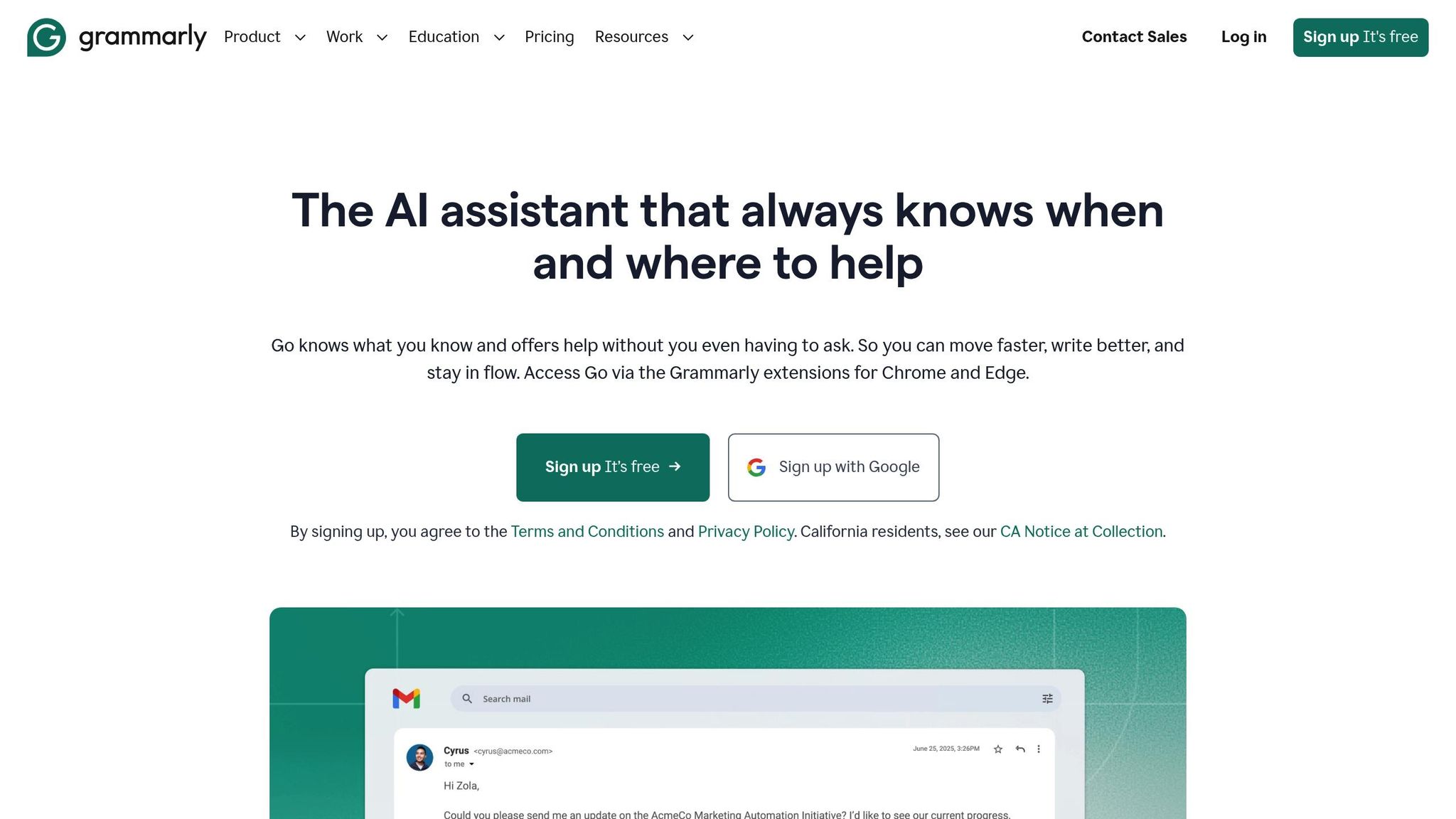
GrammarlyGO focuses on improving writing clarity by providing real-time grammar and spelling corrections. Whether you're crafting LinkedIn posts or other professional content, it ensures your writing is polished and free of errors.
However, when it comes to multilingual support, GrammarlyGO is less robust compared to some other tools on this list, which may offer broader language capabilities.
3. Jasper AI
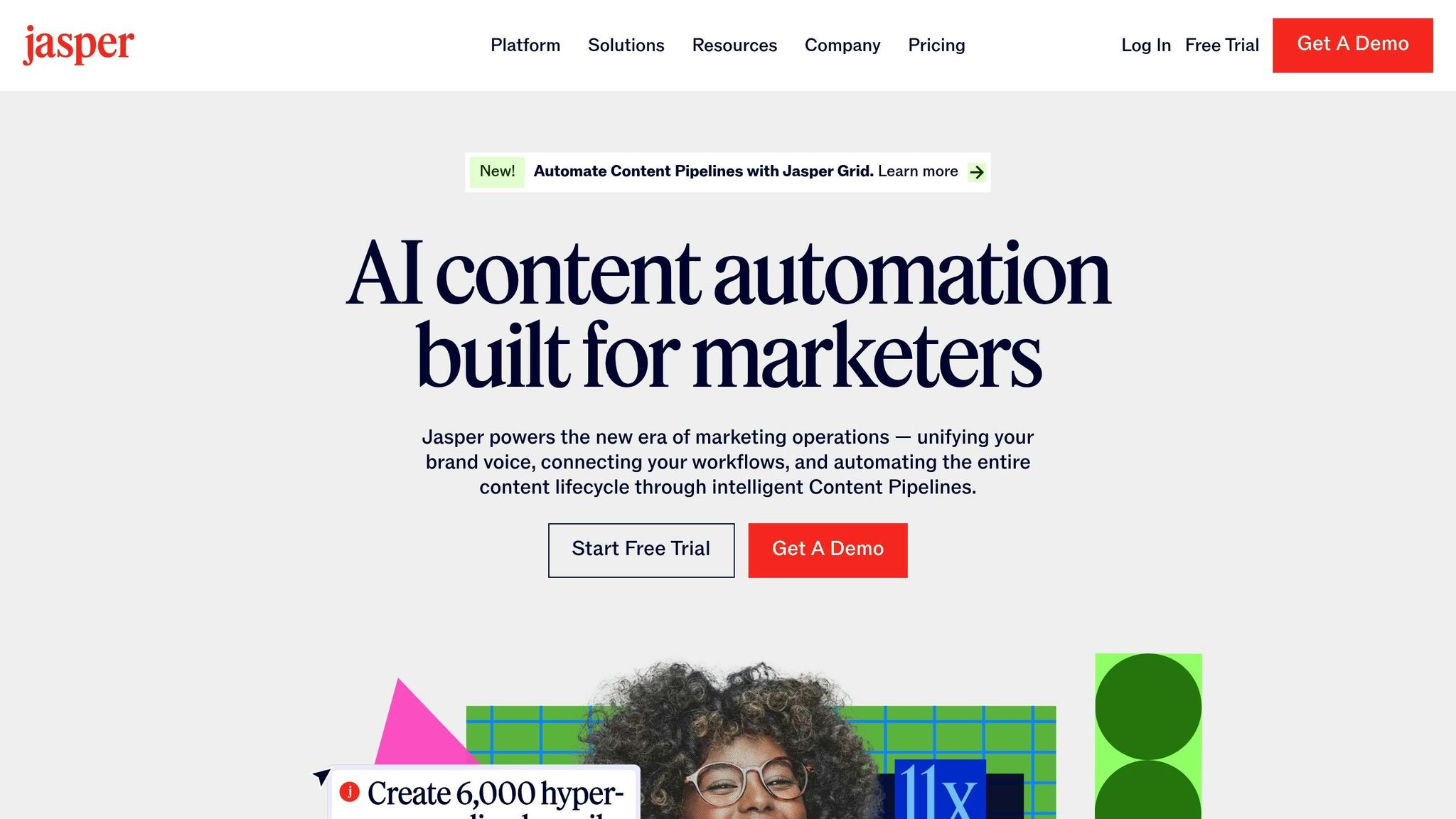
Jasper AI is designed to create professional-quality copy that stays true to your brand's voice. If you're a LinkedIn user juggling content in multiple languages, Jasper offers more than just basic translation - it adapts your message to resonate with diverse audiences.
Multilingual Translation Quality
With support for over 25 languages, Jasper AI is a strong option for reaching international LinkedIn audiences. It goes beyond simple word-for-word translation by tailoring your message to the unique nuances of each language. Whether you're crafting posts in English, Spanish, German, or Japanese, Jasper ensures your content retains its original meaning and impact.
Instead of producing stiff, literal translations, Jasper analyzes the context of your content to deliver natural-sounding, language-specific versions. This approach avoids the clunky phrasing that often plagues direct translation tools.
LinkedIn-specific Features
Although Jasper AI isn't exclusively built for LinkedIn, it includes templates and workflows that are well-suited to professional social media content. You can input your key ideas or talking points, and Jasper will generate multiple versions of LinkedIn posts tailored to different audiences or languages.
The platform also offers tone selectors, allowing you to adjust the level of formality in your posts. Whether you need a polished, professional tone or something more conversational, Jasper ensures your multilingual content stays aligned with your brand's personality and goals.
Tone and Style Consistency
A standout feature of Jasper AI is its ability to maintain a consistent brand voice across all languages. By providing examples of your previous content, you can train the tool to replicate your specific writing style. This is particularly useful for LinkedIn, where maintaining a professional and recognizable persona is critical.
Jasper ensures that your preferred tone, structure, and vocabulary remain intact, no matter the language. This consistency fosters trust and authenticity with your international LinkedIn audience, making your content feel like a seamless extension of your brand.
Collaboration and Workflow Tools
Jasper AI doesn't just handle translation and tone - it also simplifies team collaboration. Its built-in tools allow teams to review drafts and provide feedback in real time, which is especially helpful when working with native speakers to refine translations.
Additionally, Jasper integrates with popular productivity tools, making it easy to manage your content creation process. You can create multilingual LinkedIn posts within Jasper and then export them directly to your scheduling or content calendar tools, saving time and keeping your workflow organized.
4. Writesonic
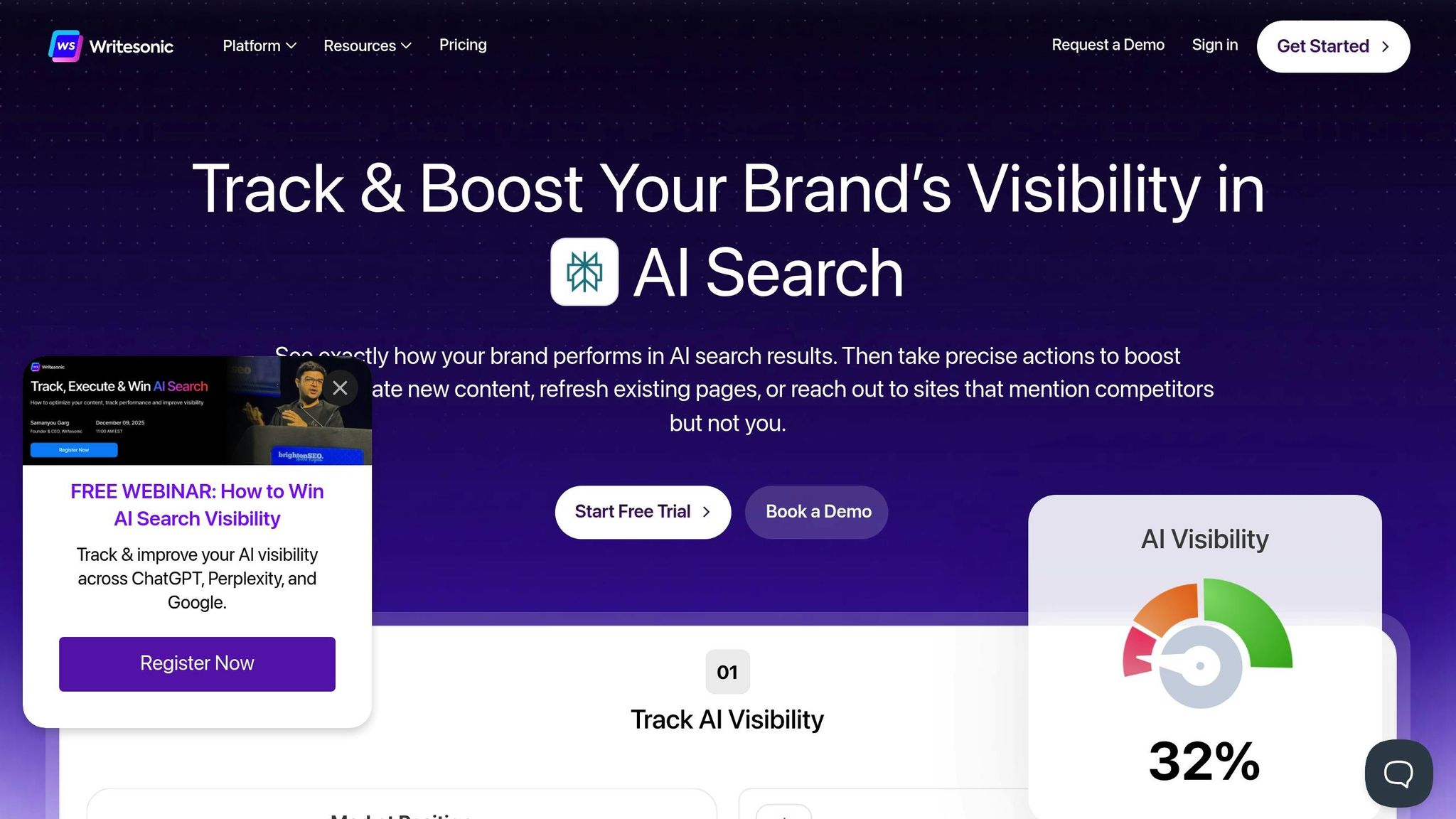
Writesonic steps up the game in LinkedIn content creation by harnessing the power of GPT-4 and GPT-3.5. It’s designed to craft LinkedIn posts that are not only engaging but also tailored to your professional goals.
LinkedIn-specific Features
What makes Writesonic stand out is its focus on LinkedIn-specific content. With over 100 templates dedicated to LinkedIn, the platform simplifies the process of creating posts. You just need to provide a few details - like the main idea, the purpose of the post, your target audience, the tone, word count, and context - and Writesonic takes care of the rest. This structured input ensures your content aligns perfectly with the professional tone LinkedIn demands.
Tone and Style Consistency
Keeping your brand voice consistent is key when connecting with diverse audiences. Writesonic allows you to fine-tune your content’s tone, whether you want it to sound professional, approachable, or bold. You can also choose the narrative perspective - first person ("I"), second person ("you"), or third person ("they") - and adjust the level of formality to suit your needs. This flexibility ensures your posts always reflect the right level of polish and professionalism.
"WriteSonic provides a streamlined, efficient process." - Rochelle Grayson, Co-founder, Circles of AI
These tools for tone and style are paired with strong collaboration features, making it easier to manage content creation as a team.
Collaboration and Workflow Tools
Writesonic offers a range of plans to fit different needs. There’s a free plan with 10,000 words per month, a $20/month plan with unlimited words for freelancers, team plans ranging from $20 to $499/month (covering 200,000 to 8,000,000 words), and enterprise plans starting at $500/month with customizable features. Whether you’re an individual or part of a large organization, Writesonic has an option for you.
sbb-itb-9f5fe42
5. Linguix AI
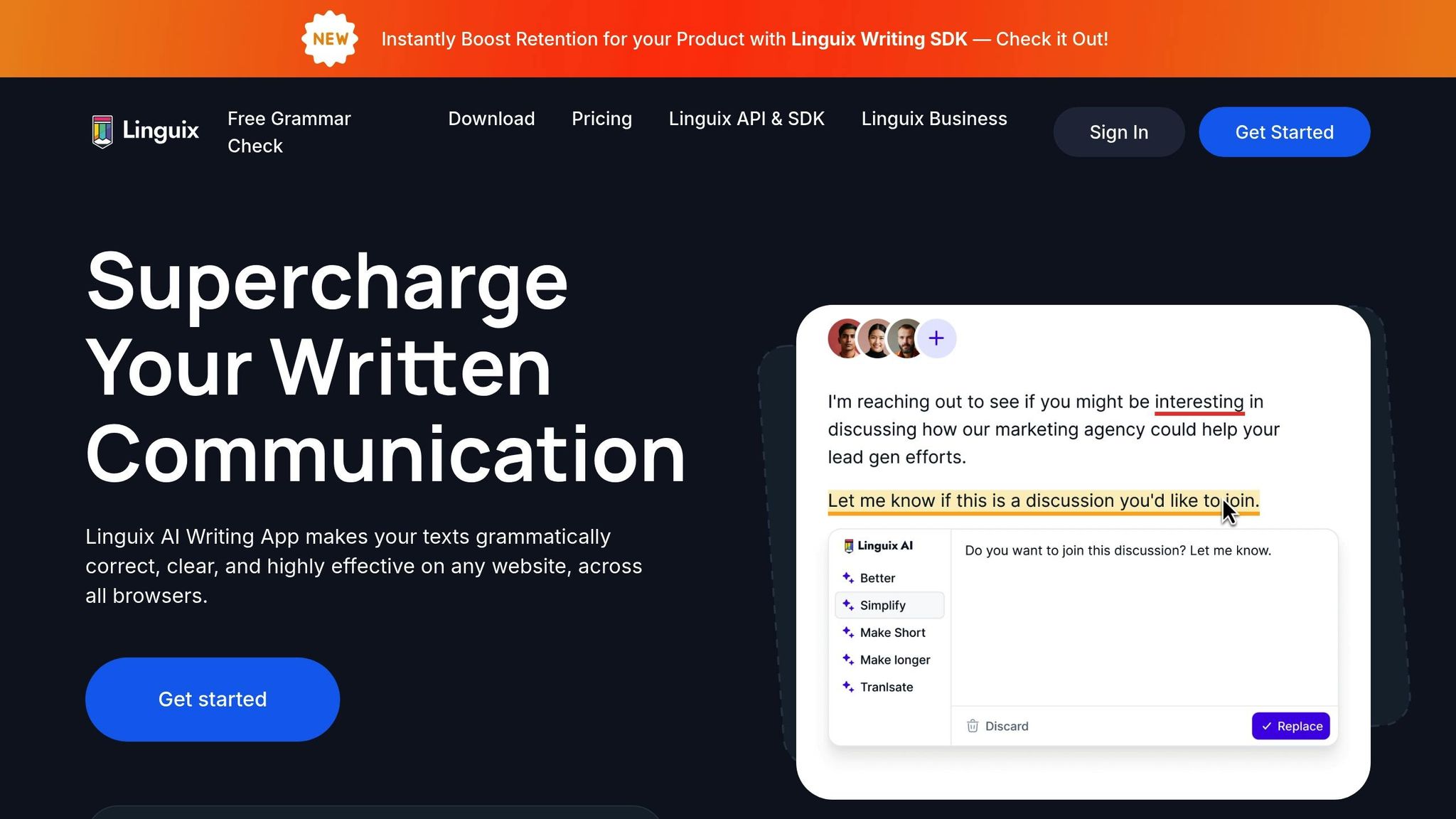
Linguix AI began as a grammar correction tool but has since evolved into a broader writing assistant. While specifics about its ability to handle multilingual LinkedIn posts are limited, its primary focus lies in offering writing suggestions that improve clarity and consistency. If you're considering Linguix AI for multilingual content, it’s worth exploring its features in more depth. It could be a helpful addition to your LinkedIn content strategy, even if details on its multilingual capabilities are somewhat sparse.
6. DeepL Write
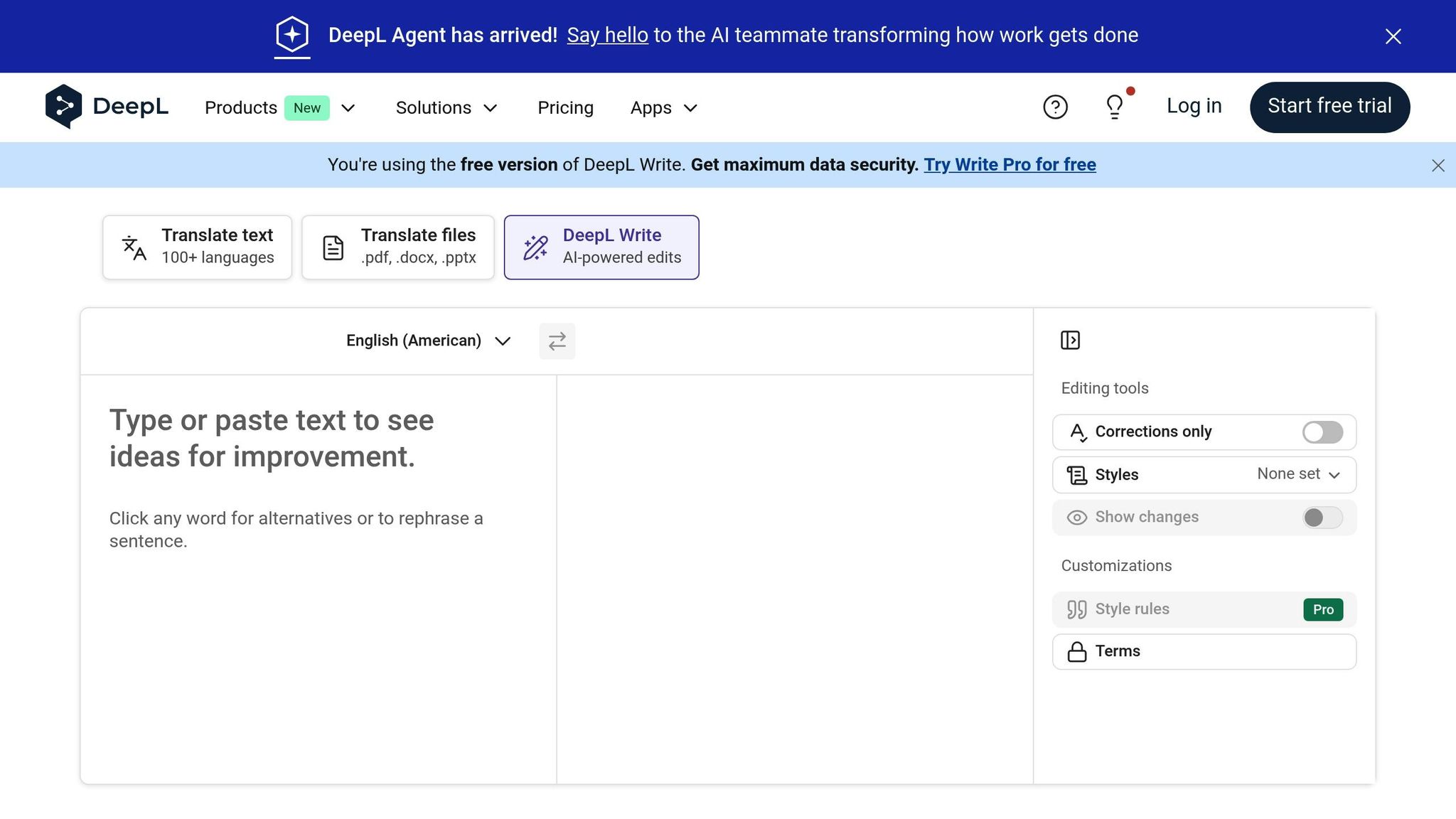
DeepL Write, developed by the creators of DeepL Translate - often called "The world's most accurate translator" - draws on its strong translation background to assist with multilingual LinkedIn posts. While detailed public insights about its capabilities are scarce, its foundation in top-tier translation technology suggests it could be a helpful tool for professionals looking to engage with audiences worldwide. We'll dive deeper into how it stacks up against other popular tools in the sections below.
7. ContentStudio
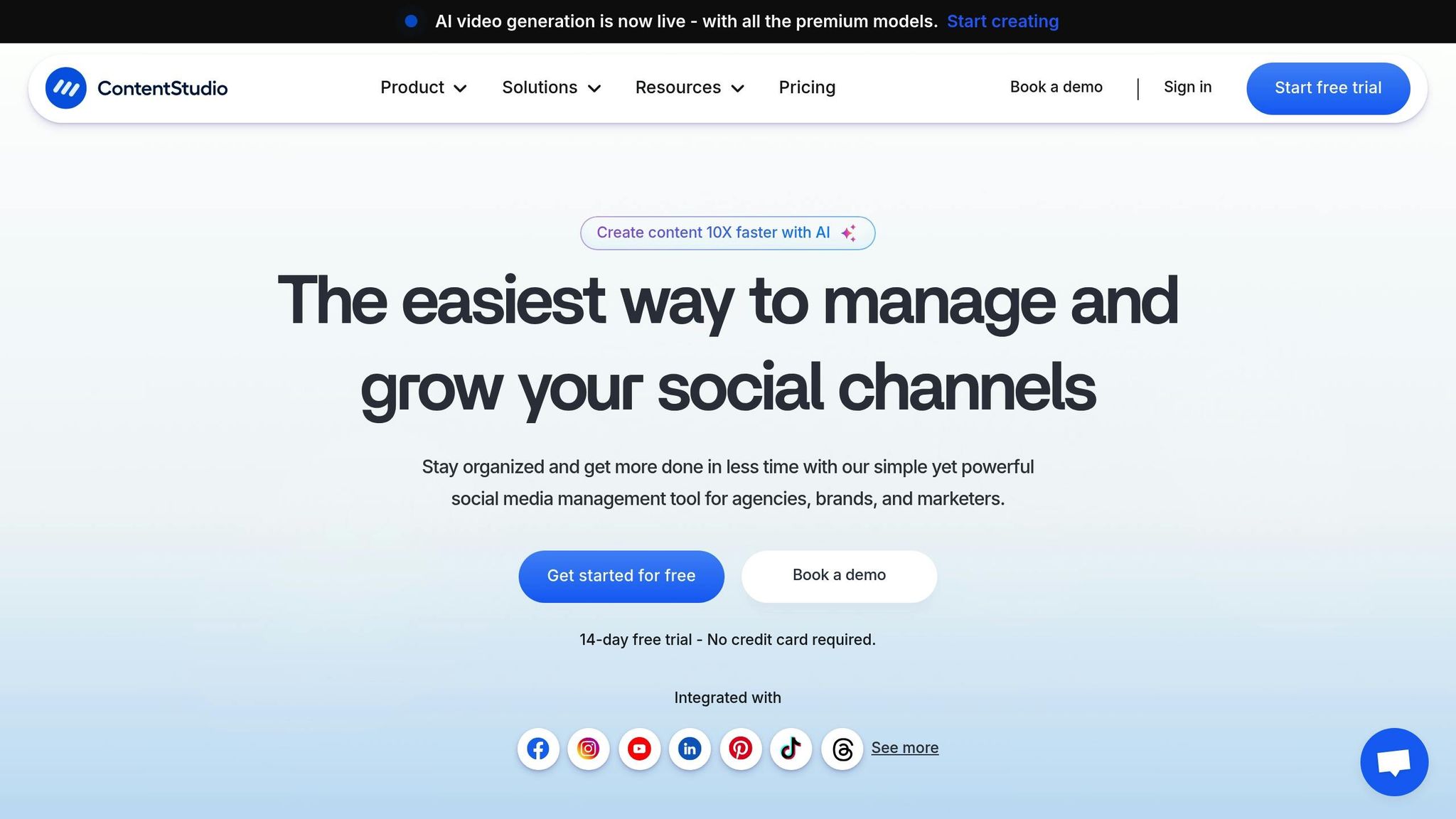
ContentStudio is a versatile social media management tool built to simplify LinkedIn content creation, even for multilingual audiences. It combines scheduling, analytics, and AI-powered writing to make managing LinkedIn accounts more efficient.
LinkedIn-Specific Features
ContentStudio offers a range of tools tailored for LinkedIn. You can schedule posts for both personal profiles and company pages across multiple accounts, ensuring your content is published at the right time. Plus, you can preview posts to confirm proper formatting in each language before they go live.
One standout feature is its content discovery engine, which curates trending topics and articles relevant to your industry. This makes it easier to find inspiration for posts, no matter the language. The platform also allows you to set up content queues for different LinkedIn accounts, making it a great choice for managing profiles in multiple regions. Its analytics dashboard provides insights into key LinkedIn metrics like comments, shares, and profile views, helping you identify which language versions of your posts resonate most with your audience.
On top of that, its collaboration tools make managing multilingual content a smoother process.
Collaboration and Workflow Tools
ContentStudio is designed to simplify teamwork, especially when creating content in multiple languages. You can assign roles and set up custom approval processes, which is particularly useful when native speakers need to review translations or adapt content for specific audiences.
Shared content calendars and inline commenting features help writers, translators, and managers stay on the same page. The unified inbox feature is another game-changer, allowing teams to respond to LinkedIn comments and messages in various languages from one dashboard. This keeps communication organized and ensures no message gets overlooked.
Another handy feature is the ability to automatically recycle top-performing evergreen posts across different languages. This not only saves time but also ensures consistent visibility for your best content across diverse audiences. These tools highlight how platforms like ContentStudio can elevate LinkedIn strategies for global reach.
Tool Comparison Table
Selecting the right AI tool for multilingual LinkedIn content boils down to your specific requirements, budget, and how you prefer to work. Here's a side-by-side look at some popular options to help you decide:
| Tool | Multilingual Support | Tone & Style Features | LinkedIn-Specific Functions | Best Use Case |
|---|---|---|---|---|
| Draft AI | Multilingual translation with AI-driven personal writing styles | Custom tone control, consistent brand voice, ready-to-use templates | Export for LinkedIn, carousel creation, optimized formatting | Content creators and teams needing quick, personalized multilingual posts with visual elements |
| GrammarlyGO | Translation and grammar checking across multiple languages | Professional tone suggestions and formality adjustments | Real-time editing within the LinkedIn interface | Professionals aiming to polish content and ensure grammatical accuracy across languages |
| Jasper AI | Supports writing in 26 languages with brand voice memory | Marketing templates, tone control for thought leadership and short updates, learns from writing examples | Multi-channel campaign support, consistent brand voice | Marketing teams managing global LinkedIn campaigns requiring consistent messaging |
| Writesonic | GPT-4 powered multilingual content generation | Over 100 templates with customizable tone (professional, friendly, formal) and point-of-view control | Professional post generation optimized for engagement | Businesses needing versatile content creation with extensive template options |
| Linguix AI | Real-time translation and language correction | Context-aware style suggestions and professional vocabulary enhancement | Browser extension for direct LinkedIn editing | Non-native English speakers creating professional LinkedIn content |
| DeepL Write | High-quality translation in 30+ languages | Natural-sounding phrasing with cultural context adaptation | Copy-paste workflow for LinkedIn posts | Users prioritizing translation accuracy and natural language flow |
| ContentStudio | Multi-language content creation | AI assistant for engaging copy with an integrated ContentPen for brand-aligned messaging | User-friendly dashboard for AI-powered campaigns | Social media managers managing multiple LinkedIn accounts |
Here’s a closer look at some standout features for these tools:
- Draft AI helps transform rough ideas into polished multilingual posts while maintaining a consistent tone across languages. This is ideal for professionals juggling multiple language markets.
- Jasper AI supports 26 languages and adapts to your writing style, ensuring your tone stays consistent across all updates.
- Writesonic uses GPT-4 to craft professional content with flexible tone and perspective options.
- ContentStudio is perfect for managing LinkedIn accounts across regions, offering a single dashboard for AI-powered campaigns. Its AI assistant generates engaging posts, and the ContentPen feature ensures alignment with your brand's voice.
- DeepL Write excels in delivering precise translations for over 30 languages, with a focus on cultural context. Its simple copy-paste workflow is great for users prioritizing linguistic accuracy.
When choosing a tool, think about your team size, the number of languages you need to support, and whether advanced features like campaign management are essential. For solo professionals, Draft AI or GrammarlyGO may be the best fit. Meanwhile, larger teams handling global LinkedIn strategies might find ContentStudio or Jasper AI more suitable.
Conclusion
Based on the detailed comparisons above, choosing the right AI tool for creating multilingual LinkedIn posts depends on your specific needs. With the right tool, crafting posts in multiple languages can be a smooth and efficient process.
If you're an individual looking to create quick, visually appealing posts in multiple languages, Draft AI is a great choice. It simplifies the process by turning your ideas into polished posts, complete with visual customization options, making it easy to produce tailored, multilingual content.
For marketing teams, tools like Jasper AI and ContentStudio stand out. They offer features like brand consistency and multi-account management, all from a single dashboard. These platforms ensure your messaging stays consistent across different languages while managing global campaigns seamlessly.
For non-native English speakers aiming for flawless grammar, GrammarlyGO and Linguix AI are excellent for catching errors in real time. On the other hand, DeepL Write is ideal if your focus is on translation accuracy and capturing subtle cultural nuances.
When selecting a tool, think about the number of languages you need, whether visual content like carousels is important, and whether you're managing multiple accounts or working independently. Take advantage of free trials to find the tool that aligns best with your workflow. The goal is to create posts that resonate with your multilingual audience and feel natural, not like direct translations.
FAQs
How do AI tools help ensure my LinkedIn posts stay consistent with my brand voice in multiple languages?
AI tools make it easier to maintain a consistent brand voice across multiple languages. By analyzing your past content, these tools can apply personalized writing styles that reflect your unique tone. This ensures your messaging stays true to your brand identity, regardless of the language it’s presented in.
Additionally, many AI tools include multilingual translation capabilities. These features go beyond simple word-for-word translations by preserving the intent and subtle nuances of your message. The result? Your content connects with diverse audiences while staying true to your brand's essence.
What should I look for in an AI tool to create LinkedIn posts in multiple languages?
When choosing an AI tool to create multilingual content for LinkedIn, it's important to prioritize content quality. Look for a tool that delivers precise, natural-sounding translations while maintaining the tone you want for your brand.
You should also explore customization options. Features like templates, font styles, and color choices can help your content align perfectly with your brand's identity.
Equally important is the tool's ease of use. Check for features such as audience targeting, engagement analytics, and AI-powered personalization to enhance your content strategy. Lastly, ensure the tool offers robust data security to keep your information safe as you craft and share content effortlessly.
What features do AI tools offer to manage and optimize LinkedIn posts for multiple accounts and regions?
AI tools crafted for LinkedIn content come packed with features that make managing posts across different accounts and regions much easier. For instance, many offer multilingual translation, ensuring your messages connect with a variety of audiences. They also include customizable templates to keep your branding consistent across all posts. On top of that, some tools use AI to create personalized writing styles, helping your content feel genuine while cutting down on the time it takes to write.
Other helpful features include photo uploads, font and color customization, and region-specific scheduling, allowing you to fine-tune your posts for specific audiences. These tools streamline the entire process, making it easier to adapt your LinkedIn content to both global and local needs.


