Top 7 AI Tools for Carousel Design
Carousel posts on platforms like LinkedIn are a powerful way to boost engagement and build your personal brand. They generate 1.4x more reach and 3.1x more engagement than single-image posts, with engagement rates up to 24.42%. However, creating them manually can take hours. AI tools simplify this process, cutting creation time from hours to minutes while ensuring professional results.
Here are the 7 best AI tools for carousel design:
- Draft AI: Quickly turns raw ideas into polished carousels with smart templates and branding features.
- Canva: Offers thousands of templates and a drag-and-drop editor, perfect for customization.
- Empler AI: Automates content creation and ensures brand consistency with its "Brand-Aware AI Designer."
- PostNitro: Simplifies carousel creation with pre-designed templates and strong branding tools.
- Taplio: Focuses on LinkedIn carousels with AI-powered design and scheduling features.
- Adobe Express: Combines professional design with easy customization, leveraging Adobe's ecosystem.
- Veed.io: Specializes in video carousels, ideal for dynamic, multi-slide stories.
These tools save time, maintain brand identity, and help you create engaging, professional carousels. Below is a quick comparison of their features.
Quick Comparison
| Tool | Best For | Key Features | Pricing |
|---|---|---|---|
| Draft AI | Fast idea-to-carousel | Smart templates, branding tools, auto-resize | Not specified |
| Canva | Customization flexibility | Thousands of templates, drag-and-drop editor | Free, Pro: $12.99/month |
| Empler AI | Brand consistency | Automated branding, carousel scripting | Not specified |
| PostNitro | Simplified creation | Pre-designed templates, branding engine | Not specified |
| Taplio | LinkedIn carousels | AI design, scheduling, viral content library | $39-$199/month |
| Adobe Express | Professional design | Adobe Fonts, Creative Cloud integration | Free, Creative Cloud required |
| Veed.io | Video carousels | Video editing, dynamic storytelling tools | Not specified |
Choose the tool that fits your needs, whether it’s speed, customization, or platform-specific features.
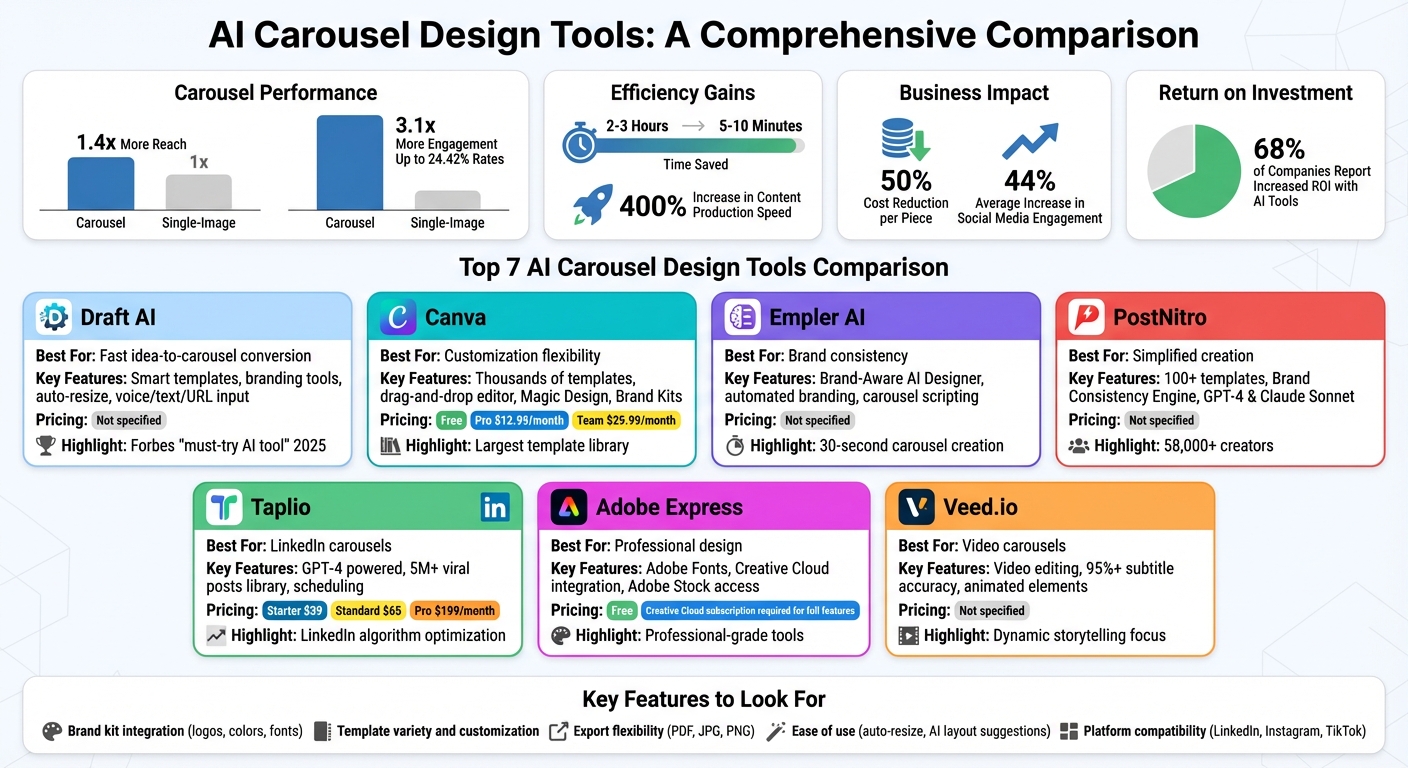
AI Carousel Design Tools Comparison: Features, Pricing, and Best Use Cases
How I use AI to do LinkedIn carousels for my brand, FAST
How AI Tools Make Carousel Design Easier
AI tools simplify carousel creation by turning what used to be a complicated, multi-step process into a streamlined, automated experience. Instead of managing separate tasks like design software, content planning, and platform formatting, you can now input your topic or paste a URL, and the AI takes care of everything. From generating content to designing slides and optimizing them for platforms, the entire process is completed in just minutes.
One standout feature of these tools is their ability to ensure brand consistency automatically. They store your brand’s colors, fonts, and logos, applying them seamlessly across every slide without requiring manual tweaks. For example, in November 2025, a client using Empler.ai's "Magic Design" feature created an eight-slide carousel in just 30 seconds. The result? Professionally designed slides featuring key quotes, relevant stock photos, and precise use of brand fonts and colors.
Ann Handley, Chief Content Officer at MarketingProfs, sums up this advantage perfectly:
"Consistency becomes effortless when AI handles your design decisions. These tools apply your brand colors, fonts, and visual style across every slide automatically, eliminating the human error that can creep into manual design work." - Ann Handley
AI tools go beyond colors and fonts, tackling technical details like text resizing, image scaling, and alignment - all in one go. You can even upload custom fonts, create personalized color palettes, and include your professional headshot to add a personal touch. This streamlined process not only saves time but also ensures a polished and cohesive brand presence.
For personal branding, this is a game-changer. Every carousel you produce looks professional and unmistakably aligned with your style, helping you build trust and authority in your field. These tools aren’t just about creating carousels - they’re about crafting a recognizable, standout brand identity in crowded social media feeds.
What to Look for in an AI Carousel Tool
When it comes to choosing an AI carousel tool, certain features can make all the difference in streamlining your design process and maintaining a professional look.
Brand kit integration is a must-have. The right tool should allow you to upload your logo, set your color palette, and select custom fonts just once. From there, it should automatically apply these elements to every slide you create. For example, PostNitro's Brand Consistency Engine ensures that your branding remains consistent across all slides by using your uploaded assets seamlessly. Paired with a range of customizable templates, this feature helps keep your brand identity intact.
Another key factor is template variety and customization options. Look for tools that offer a wide selection of professionally designed templates that you can fully personalize. This includes adjusting layouts, backgrounds, and visual styles to align with your brand’s unique look. Tools like aiCarousels provide hundreds of customizable templates, while Canva offers thousands, complete with an easy drag-and-drop interface. The goal is to find templates that still feel distinct and tailored after you've customized them.
Don’t overlook export flexibility, especially if you’re managing content across multiple platforms. Your tool should support various export formats, such as multi-page PDFs for LinkedIn or JPG and PNG files for Instagram and TikTok. This ensures your carousels maintain their quality and visual appeal, no matter where they’re shared.
Finally, ease of use is critical. Opt for tools with user-friendly interfaces that include smart features like auto-resize and AI-powered layout suggestions. These capabilities save you time by automating tedious adjustments and making the design process much smoother.
"Brand consistency becomes more challenging as personalization depth increases. The best providers offer template-based frameworks that ensure visual and messaging consistency while enabling meaningful customization." - Industry Analysis, 2025
1. Draft AI
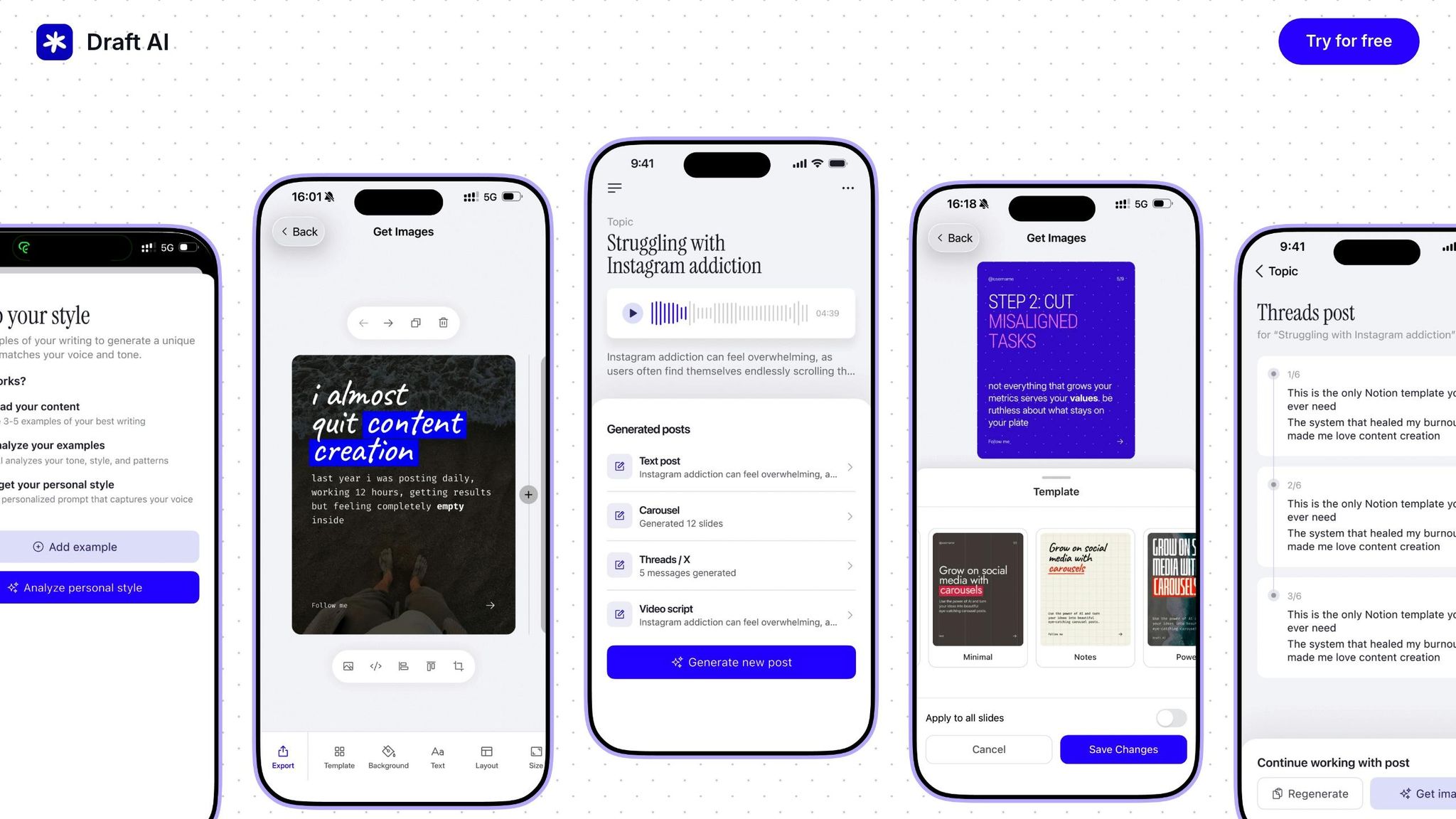
Draft AI is a game-changer for turning raw ideas into polished carousels, even if design isn’t your strong suit. Whether you send a voice message, paste some text, or share a URL, the platform quickly transforms your input into a ready-to-publish carousel in just minutes. This eliminates the hassle of starting from scratch, making it perfect for busy professionals looking to post consistently without spending hours on design.
Template Quality and Variety
Draft AI doesn’t stop at just simplifying the process - it also offers a treasure trove of design resources. With hundreds of pre-built templates tailored for social media, you’ll find options that are perfectly sized for platforms like LinkedIn. These templates follow proven viral content patterns, giving your posts a head start in grabbing attention. And while the designs are ready-made, you can fully customize them to align with your brand, ensuring your carousels feel personal and not like one-size-fits-all creations.
Customization Options: Fonts, Colors, and Logos
To make branding seamless, Draft AI lets you save your brand assets directly in the app. This means your logo and color palette stay consistent across all your projects. You also have complete control over fonts and colors, allowing you to maintain your unique visual identity. Need to add a personal touch? The platform’s photo upload feature lets you include branded imagery or personal photos. For individual creators, the integrated portrait and headshot generators help craft standout intro slides that strengthen your personal branding efforts.
Support for Personal Branding Consistency
One standout feature is Smart Auto-Resize, which automatically adjusts text and visuals to ensure every slide looks clean and professional. No more awkwardly placed text or images that don’t fit - a frequent frustration when designing manually. Users have reported cutting their creation time from over 10 hours to just 30 minutes, with some LinkedIn posts reaching over 150,000 impressions. Forbes even called Draft AI a "must-try AI tool" for 2025, underscoring its value for creators focused on building their personal brands.
2. Canva
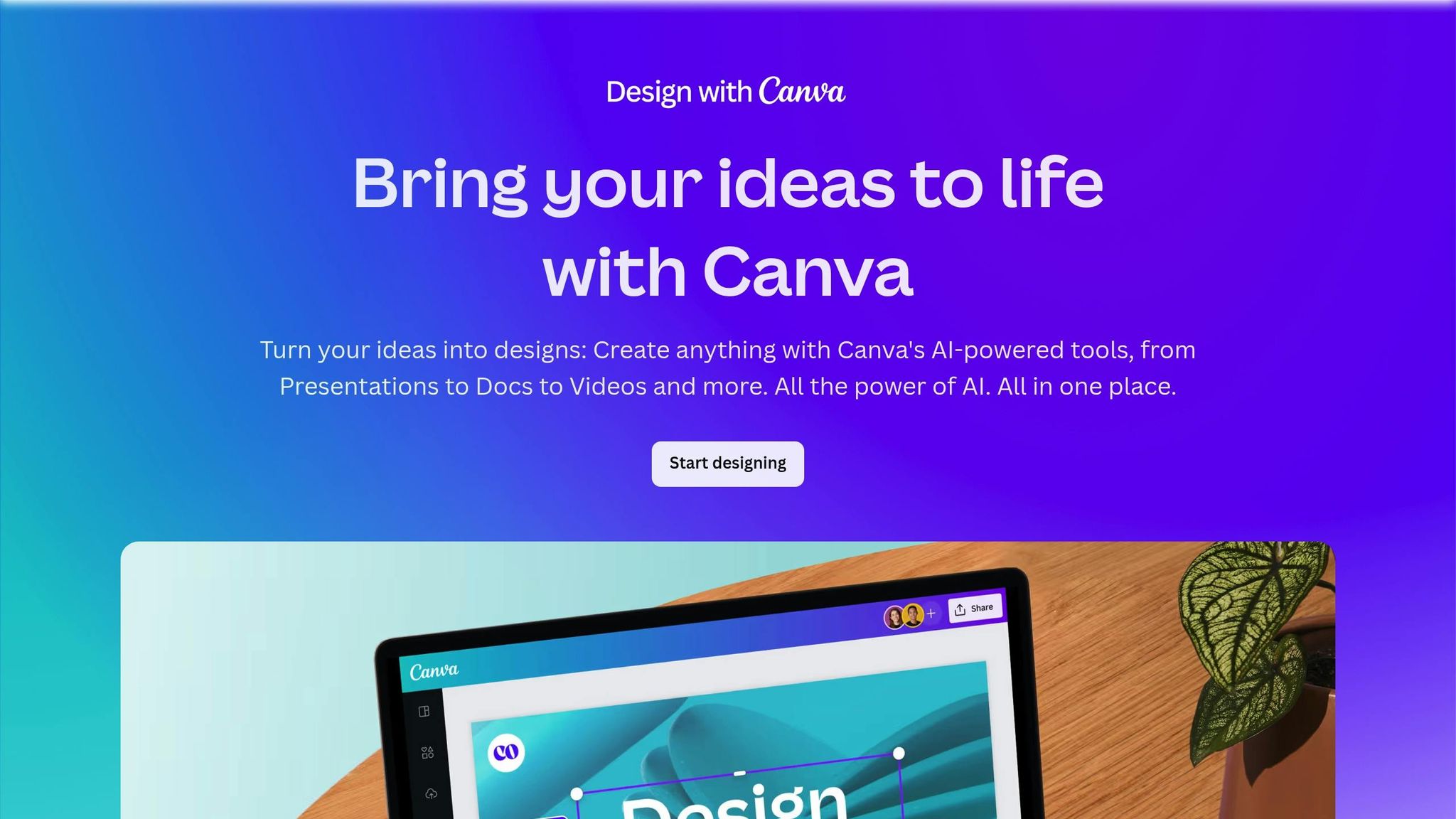
Canva's Magic Design for Carousels makes creating carousel drafts a breeze. By pulling content from sources like blog post links, it automatically extracts key quotes, finds relevant stock photos, and applies your brand’s fonts and colors - all in just seconds.
Template Quality and Variety
Canva doesn’t just stop at speed; it offers an impressive range of templates too. With thousands of Instagram carousel templates available, you’re spoiled for choice. Its drag-and-drop editor and smart layout suggestions make designing intuitive and quick. However, because Canva is so widely used, heavily customizing templates is often necessary to avoid a generic appearance. Using the Brand Kit feature is a great way to ensure your designs stand out and stay true to your brand’s identity.
Customization Options: Fonts, Colors, and Logos
Canva’s Brand Kits make customization incredibly straightforward. These kits sync your visual assets - like fonts, colors, and logos - so every slide, icon, and chart aligns perfectly with your brand. The Magic Design feature even applies these elements automatically when generating new carousel drafts. On top of that, Canva’s AI tools can tweak your content’s text to match your brand’s tone and style seamlessly. This focus on customization ensures your designs feel polished and consistent.
Support for Personal Branding Consistency
Canva takes branding seriously. Its Brand Kits automatically apply your saved branding elements - like fonts, colors, and logos - to every design, maintaining a cohesive look. For added flair, Canva also offers animations and branded visuals to help make your carousels more engaging.
Pricing-wise, Canva caters to a range of needs. The free plan includes basic branding tools, while the Pro plan costs $12.99 per month for individual creators. For small teams, the Team plan is available at $29.99 per month.
3. Empler AI
Turning Ideas into Carousels Made Simple
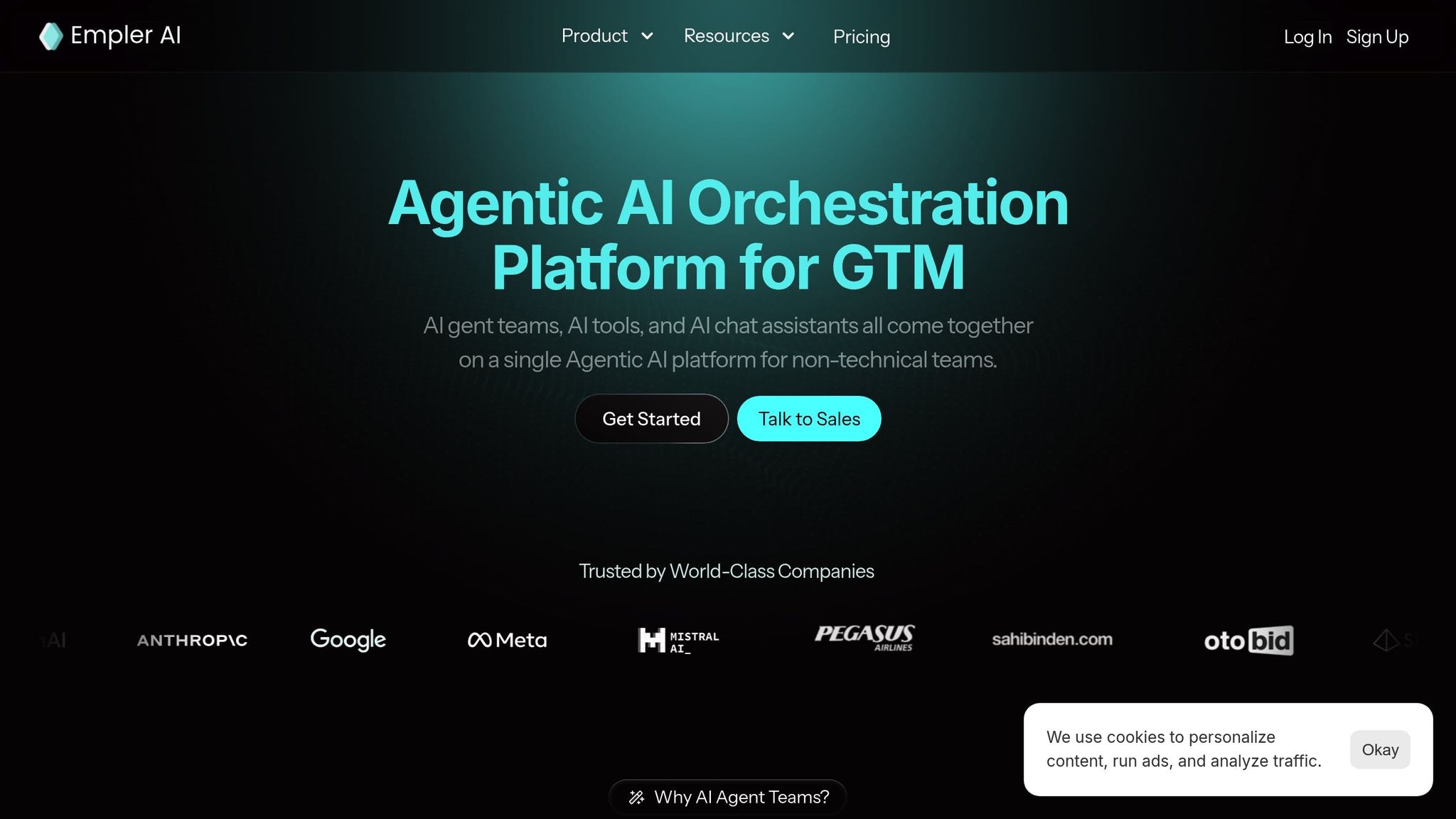
Empler AI makes it incredibly straightforward to transform a basic idea into a polished carousel. For instance, if you input a topic like "benefits of content marketing", the AI takes care of the rest. It crafts a carousel script with an engaging hook, informative slides, and a clear call-to-action. Once the script is ready, the platform's Brand-Aware AI Designer steps in to automatically apply your unique visual style, ensuring everything looks cohesive. To save even more time, you can schedule these carousels directly to your social media accounts and monitor their performance. For busy users, this streamlined process not only saves effort but also reinforces brand consistency across platforms.
Keeping Your Brand Identity Intact
One of Empler AI’s standout features is its ability to maintain your brand’s identity effortlessly. Thanks to the Brand-Aware AI Designer, a one-time setup captures your visual style, including color palettes, fonts, and templates. From there, every carousel you create will automatically reflect these elements, guaranteeing a cohesive and professional look across your social media channels.
Customization: A Balance Between Speed and Control
While Empler AI offers customization options for fonts, colors, and logos, it doesn’t provide highly detailed control over these design elements. If you’re someone who prefers intricate design tweaks, you might find the platform a bit limiting. However, this trade-off works well for users who prioritize speed and simplicity over granular design adjustments.
sbb-itb-9f5fe42
4. PostNitro
Turning Ideas into Carousels Made Simple
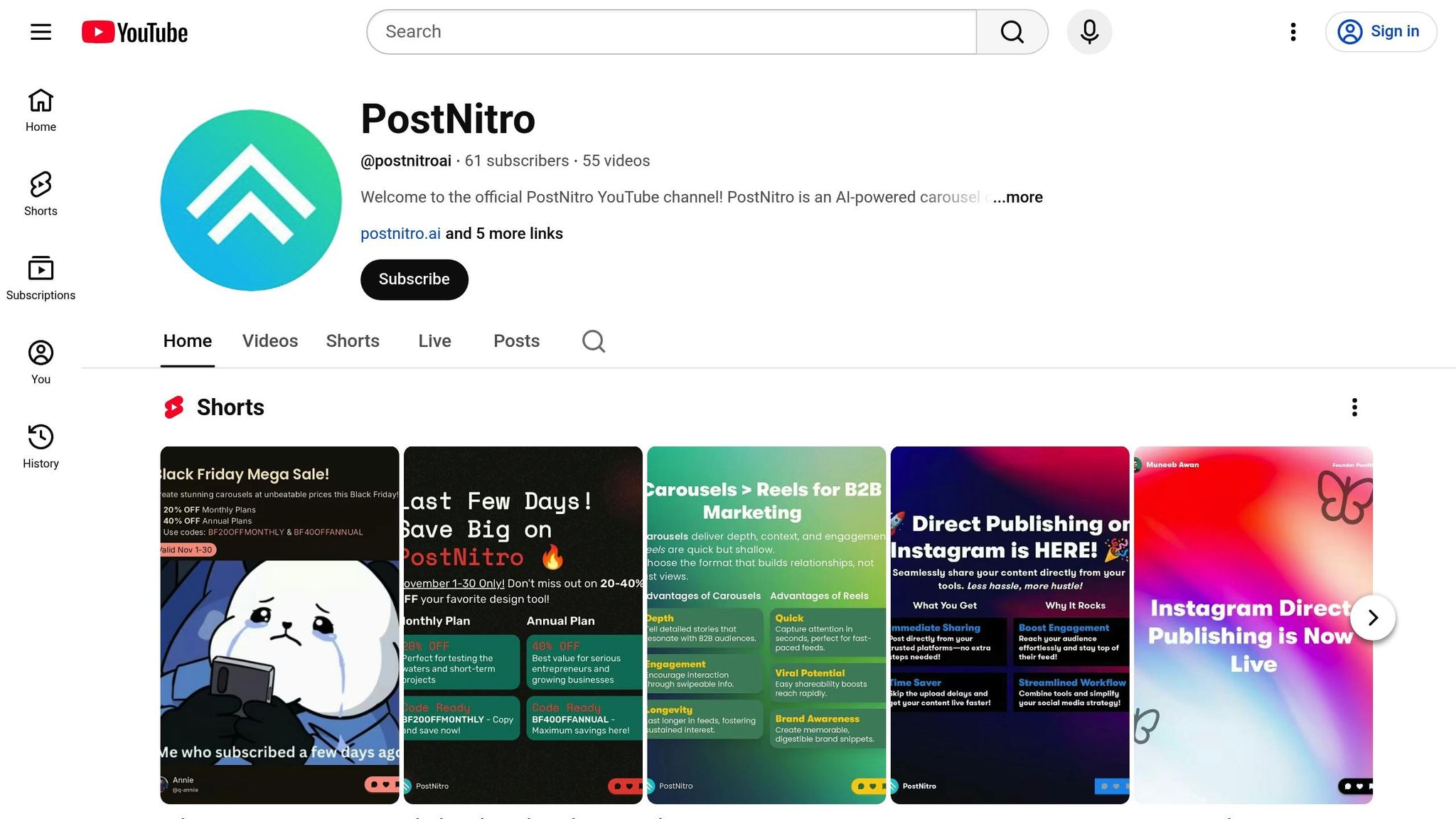
PostNitro makes creating carousels for personal branding effortless with a straightforward, three-step process. Whether you start with a topic, a URL, an article, or even a Twitter thread, the platform’s AI takes over to write the content, design the slides, and format everything for platforms like Instagram, LinkedIn, and TikTok. It’s a time-saver for over 58,000 creators, powered by advanced AI models like GPT-4 and Claude Sonnet. This streamlined process gives you a polished starting point, ready for further tweaks to make it your own.
Wide Range of Templates
With over 100 professional templates tailored for major social media platforms, PostNitro offers plenty of options to suit your needs. Its Smart Design Presets automatically align colors and fonts, giving your carousels a professional look right out of the gate. From there, you can make quick adjustments to match your unique style. These templates provide a solid base while allowing for extensive customization to keep your brand identity intact.
Customization Features: Logos, Fonts, and Colors
PostNitro takes customization seriously. You can upload your logos, colors, fonts, and style guidelines, which are then applied seamlessly across your slides using the Brand Consistency Engine. Want to use a specific font or an exact shade of your brand color? No problem - PostNitro makes it easy to ensure every detail reflects your brand. Peter Hrnčiar summed it up well:
"PostNitro's speed and comprehensive customization features make carousel creation exceptionally simple."
Keeping Personal Branding Consistent
For a personal touch, PostNitro includes Team Headshot Profiles, allowing you to integrate personal photos into your carousels for added authenticity. If you're working with a team, the Project Workspaces feature helps streamline collaboration, ensuring everyone stays on the same page with your brand messaging. It’s all about making sure your content looks and feels like you.
5. Taplio
Turning Ideas into LinkedIn Carousels
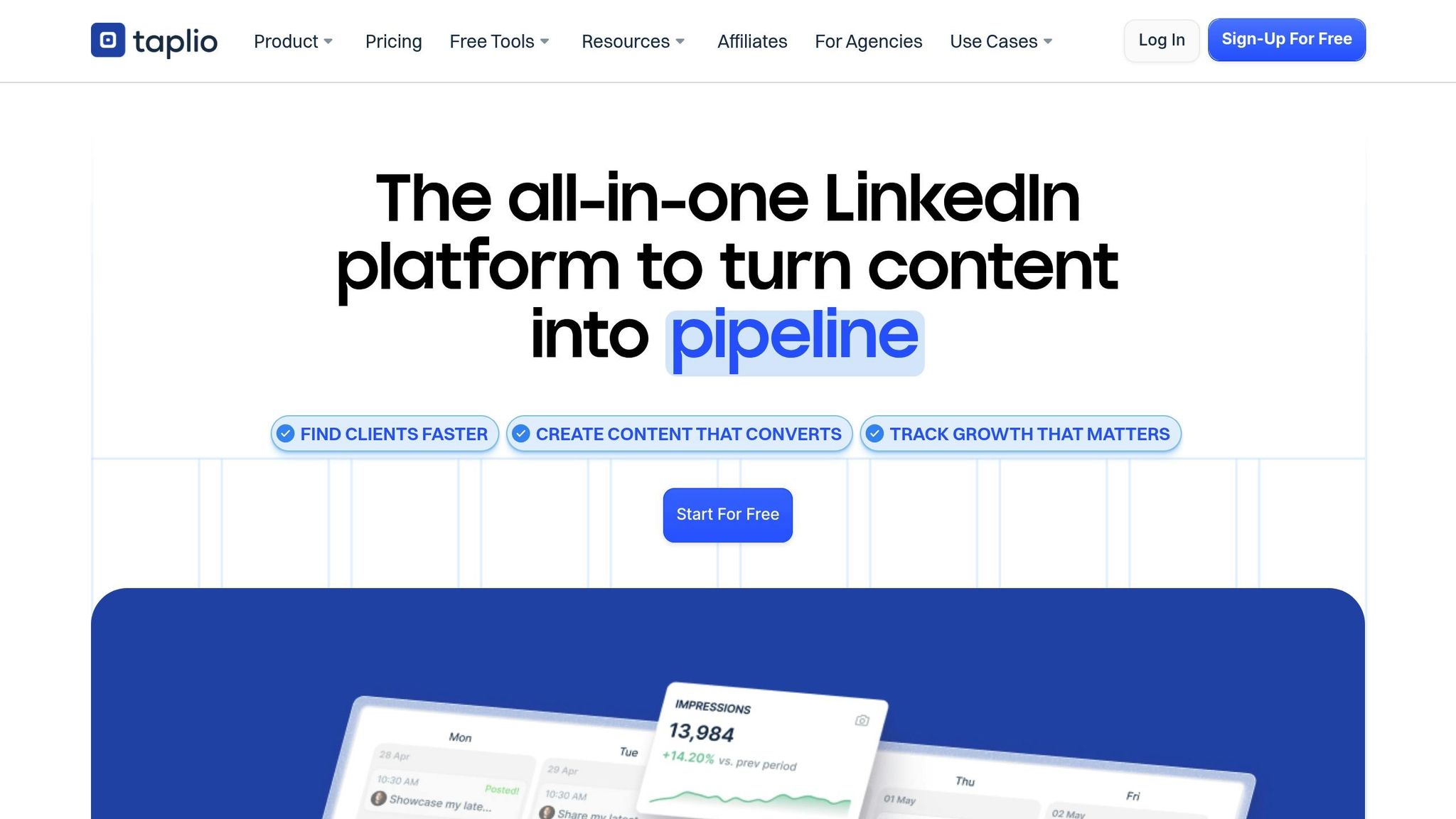
Taplio simplifies the process of creating LinkedIn carousels using GPT-4 technology. With just a topic, it can generate a ready-to-publish carousel in moments. You can bring in content from various sources like tweets, Reddit posts, or images, or browse through a library of over 5 million viral posts for inspiration. Plus, its Chrome extension makes it easy to save content while browsing, keeping your ideas organized and accessible.
Templates Designed for Impact
Taplio's AI-powered tools deliver sleek layouts and professional visuals, eliminating the need for design skills. The pricing structure includes three tiers: the Starter Plan at $39 per month (carousel design and scheduling), the Standard Plan at $65 per month (adds AI writing and lead management), and the Pro Plan at $199 per month (unlimited AI credits and access to over 3 million enriched leads).
Consistent Personal Branding Made Simple
Taplio goes beyond design to support your LinkedIn personal branding efforts. Its user-friendly interface and AI tools ensure your carousels maintain a polished, professional appearance tailored for LinkedIn. By optimizing content to align with LinkedIn's algorithm, Taplio helps your personal brand stand out and gain visibility in a crowded feed.
6. Adobe Express
Template Quality and Variety
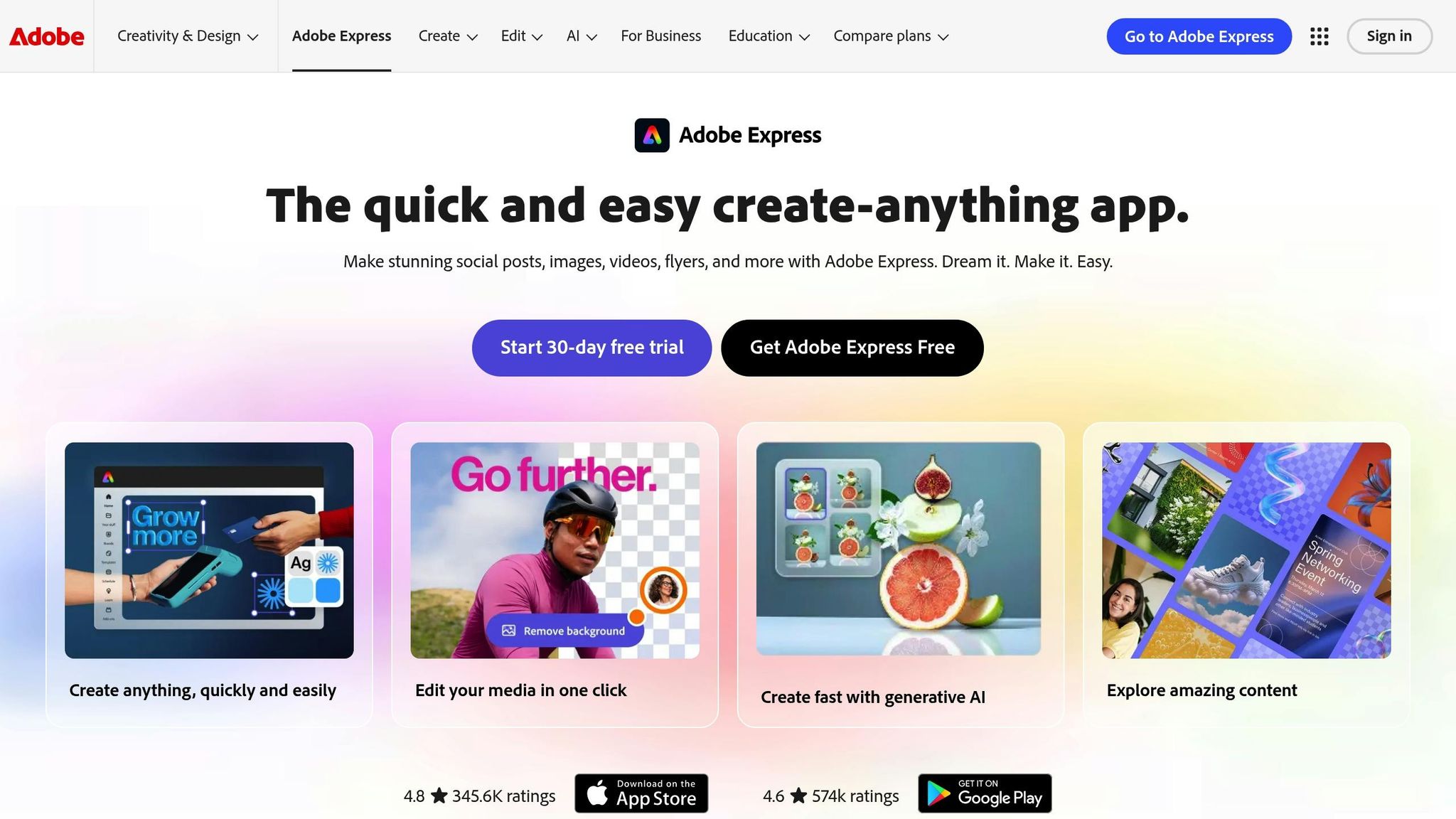
Adobe Express strikes a balance between professional design and ease of use, making it a solid choice for creating visually appealing carousels. With access to Adobe Stock photos and Adobe Fonts, you can craft slides that stand out with a polished, premium look. Thanks to Adobe Sensei AI, tools like quick background removal and smart layout suggestions make it simple to create well-structured and professional slides in no time.
Customization Options: Fonts, Colors, and Logos
When it comes to customization, Adobe Express delivers. You get full control over typography through Adobe Fonts, and with Creative Cloud Assets, updates made in Illustrator sync automatically. This ensures your designs stay consistent and perfectly aligned with your brand.
Support for Personal Branding Consistency
Adobe Express integrates smoothly with Adobe Creative Cloud, allowing you to use your existing brand assets and workflows seamlessly. While the free version offers basic tools, subscribing to Creative Cloud unlocks its complete range of features. This integration makes it easier to maintain a cohesive, professional look that reflects your personal brand.
7. Veed IO
Turning Ideas into Motion
Veed.io stands out by focusing on video carousels, offering a creative way to share stories through dynamic, multi-slide video content instead of static images. Its web-based timeline editor makes the process straightforward - stitch together clips, add smooth transitions, and overlay text effortlessly. If your goal is to bring your ideas to life with motion, Veed.io makes it easy to create engaging, visually appealing video carousels.
One of its standout features is an automatic subtitling tool that boasts over 95% accuracy and is highly customizable. You can also add animated elements like progress bars, sound waves, and stickers to make your content even more engaging. These tools are designed to help you create polished, professional-looking video carousels with minimal effort.
Templates Built for Storytelling
Veed.io caters to creators who want to focus on narrative-driven, dynamic video content. Its templates and features are ideal for video creators, educators, and brands looking to craft compelling, multi-slide video stories. However, if you only need static image carousels for personal branding or occasional use, the platform's video-first approach might feel overly specialized - and possibly more expensive than necessary.
The platform's seamless workflow ensures that raw video footage can be transformed into polished, attention-grabbing presentations. But for those seeking a tool primarily for static image carousels, Veed.io's video-centric design might not align with your needs.
Conclusion
AI tools have revolutionized carousel design, slashing the time needed from 2–3 hours to just 5–10 minutes. They’ve also transformed content creation, boosting production speed by 400%, cutting costs by 50% per piece, and increasing social media engagement by an average of 44% compared to manually crafted content. On LinkedIn, carousels perform even better, driving engagement 3–5x higher than standard posts.
These impressive results highlight the importance of choosing the right tool for your needs. Whether it’s Draft AI, Canva, or Veed.io, each platform offers features tailored to different priorities. If speed is your main concern for daily posting, focus on tools with advanced AI copywriting capabilities. For those prioritizing brand consistency, opt for platforms with strong customization options and brand kit integration.
Take advantage of free trials to explore which tool aligns best with your workflow. Finding a solution that integrates smoothly into your routine can make a huge difference. With 68% of companies reporting increased ROI in content marketing after adopting AI tools, investing time in selecting the right carousel design tool is a decision that pays off quickly.
FAQs
How do AI tools help maintain consistent branding in carousel designs?
AI tools make it easier to maintain a consistent brand identity by allowing users to personalize templates with their brand colors, fonts, logos, and visual styles. These elements are automatically applied across all slides, creating a polished and unified appearance.
On top of that, many AI tools streamline the process by automating tedious tasks like aligning designs with brand guidelines or generating layouts that match your aesthetic. This frees up time for users to focus on the creative aspects while ensuring every carousel stays true to their brand identity.
What should I look for in an AI tool for creating carousel designs?
When choosing an AI tool for carousel design, prioritize ease of use, available features, and customization flexibility. The ideal tool should be intuitive, provide templates or design recommendations, and enable you to adjust fonts, colors, and layouts to align with your brand's identity.
You might also want to explore tools that streamline your process by automating tasks such as content creation and translation, all while maintaining top-notch results. Features like multilingual support, image uploads, and AI-powered writing capabilities can significantly improve your productivity and design experience.
How can AI tools help save time when designing carousels?
AI tools make designing carousels much easier by taking care of repetitive tasks and providing helpful features like pre-made templates, customizable fonts and colors, and even multilingual translation options. With these tools, what used to take hours can now be done in just minutes, giving you polished, professional results without the hassle.
Using AI allows you to focus your energy on creativity and strategy while the tool handles the tedious parts. This approach not only saves time but also helps reduce costs, making it a smart choice for building your personal brand or creating engaging social media content.


