How AI Simplifies Carousel Design
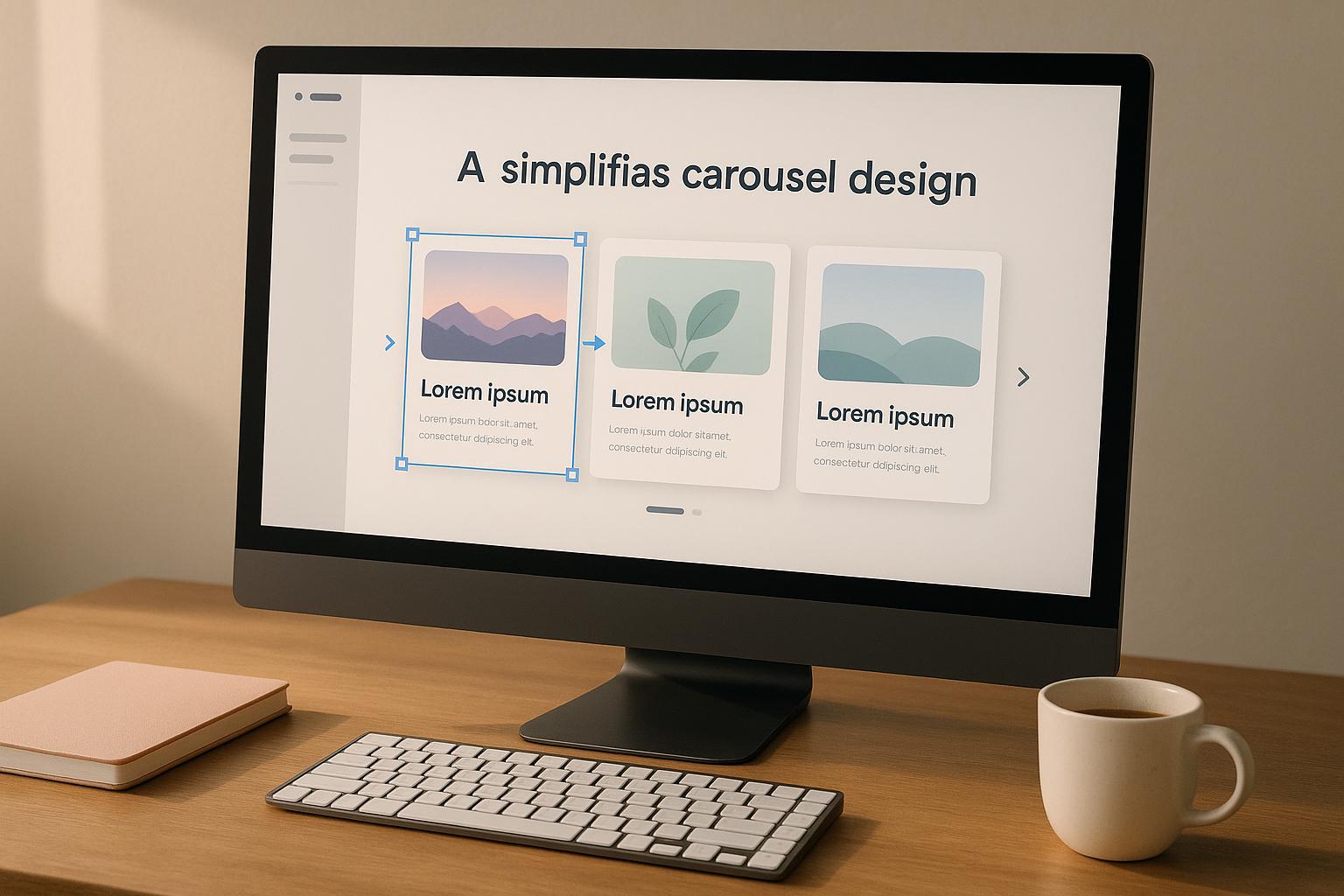
Designing social media carousels no longer has to be time-consuming or require advanced skills. AI tools like Draft AI now streamline the entire process, from generating content to creating polished visuals. Here's how AI transforms carousel creation:
- Quick Content Creation: Input text, a URL, or even voice recordings, and AI generates engaging headlines and copy.
- Pre-Made Templates: Choose from a wide range of templates tailored for different platforms and content types.
- Effortless Branding: Automatically apply your brand's colors, fonts, and style for a consistent look.
- Intuitive Editing: Preview, fine-tune, and export ready-to-share carousels in minutes.
Whether you're creating Instagram tutorials, LinkedIn presentations, or TikTok slideshows, AI simplifies the process while letting you focus on your message. Keep reading for a step-by-step guide and platform-specific tips.
Automating Carousels for Social Media (How to Scale Your Instagram Posts)
Main Features of AI Carousel Design Tools
AI carousel tools make professional design more accessible by eliminating the challenges of manual design. Here's how these tools simplify every step of the process.
AI Content Generation
With AI carousel tools, turning raw information into polished, engaging content is a breeze. Instead of starting from a blank page, you can input text, a URL, or even a voice recording, and let Draft AI do the heavy lifting. It analyzes your input, extracts the key points, and creates attention-grabbing headlines that flow naturally across multiple slides.
The AI also tailors the tone and style to match your preferences, ensuring your content resonates with your audience and suits the platform you're targeting. This means you get carousel content that's ready to captivate viewers without spending hours on manual edits.
Ready-Made Templates and Design Options
AI tools go beyond just writing - they help you design visually appealing carousels with ease. Draft AI provides a rich library of templates designed for various types of content, from educational posts to product showcases to storytelling slides. These templates are pre-sized to fit perfectly on different social media platforms, saving you the hassle of resizing and reformatting.
In addition, the AI suggests color palettes, font pairings, and layout options based on popular design trends and engagement data. Even if you’re not a design expert, these features make it simple to create professional-looking content that grabs attention in crowded social feeds.
Brand Customization and Personalization
Maintaining a consistent brand identity is effortless with AI tools. Draft AI allows you to set your brand colors, fonts, and overall style, which are then automatically applied across your designs. The tool also adapts its writing style to match your brand’s voice, ensuring your carousels feel authentic and on-brand.
You can further personalize your designs by uploading your own images, which are seamlessly integrated into the templates. By keeping your style consistent across all slides, Draft AI helps strengthen your brand’s presence without requiring tedious manual adjustments. It’s a simple way to make your content stand out while staying true to your brand.
Step-by-Step Guide to Creating Carousels with AI
Thanks to AI, crafting carousels has become simpler than ever. Even if you're not a designer, you can create polished, shareable content in just five straightforward steps. Here's how to go from an idea to a finished carousel.
Step 1: Define Your Concept and Gather Inputs
Start by outlining your main message. Whether you're working on productivity tips or showcasing a product, gather the key points you want to highlight. For example, if you're creating an educational carousel, list out the tips or ideas you want to include. If it’s a product showcase, collect details like features, benefits, and testimonials. Using Draft AI, you can provide this information as text or even through voice input - just make sure to be clear and specific about the details you want emphasized.
Step 2: Choose a Template
Once your content is ready, let Draft AI do the heavy lifting. The tool analyzes your input and suggests templates that suit your concept. Pick the one that aligns best with your message. From there, Draft AI distributes your content across the slides, ensuring everything is laid out for maximum clarity.
Step 3: Personalize the Design
Now it’s time to make the design your own. Apply your brand’s colors and fonts automatically, or tweak them to fit your style. You can adjust background, accent, and text colors to improve readability. Want to include your own images? Simply upload them, and Draft AI will resize and position them to keep the layout balanced. If your brand has specific style rules, Draft AI remembers your preferences for future projects, saving you time.
Step 4: Preview and Fine-Tune
Before finalizing, preview your carousel to make sure everything looks perfect. Check how your slides flow together and ensure the text is easy to read. View the design on different devices to confirm it translates well across platforms. If needed, adjust transitions or reposition call-to-action elements to improve the overall presentation.
Step 5: Export and Share
When everything is ready, export high-quality images formatted for platforms like Instagram or LinkedIn. Download your carousel and it’s good to go - ready to share with your audience instantly.
sbb-itb-9f5fe42
Platform-Specific Carousel Design Tips
Every social media platform has its own personality, and what works on one might completely miss the mark on another. Instagram, LinkedIn, and TikTok each have unique formats and audience expectations, so tailoring your carousel designs to fit these differences is key. Below, you’ll find practical tips to help your carousels stand out on each platform.
Instagram Carousel Design Best Practices
Instagram carousels are all about visuals and seamless storytelling. Stick to the 1080x1080px square format to ensure your content looks sharp on any device. The first slide? It’s your hook - make it impossible to scroll past without wanting to see more.
Since Instagram is a fast-moving platform, keep your text short and sweet. Aim for 10-15 words per slide to ensure readability, especially on mobile. To keep viewers swiping, design each slide to flow naturally into the next. Think of it as a visual story where every slide builds curiosity.
Adding simple navigation cues like arrows or numbered markers can guide viewers and make your carousel easier to follow. Instagram users love behind-the-scenes peeks, tutorials, and before-and-after transformations, so consider these formats to keep your audience engaged.
LinkedIn Carousel Guidelines
LinkedIn carousels cater to a professional crowd, so your approach here should be polished and informative. Unlike other platforms, LinkedIn requires carousels to be uploaded as PDF files, which ensures your designs maintain their quality and professionalism.
Content-wise, LinkedIn users are looking for value - industry insights, actionable advice, and thought leadership. Treat your carousel like a mini-presentation, with each slide offering a clear takeaway. Keep text concise and to the point; people often browse LinkedIn during work breaks, so they appreciate quick, digestible content.
Stick to professional color schemes like blues and grays for a polished look, and include your logo to maintain consistent branding. Carousels that share business tips, key statistics, or professional strategies tend to perform well on this platform.
TikTok Carousel Considerations
TikTok’s audience thrives on creativity and fun, so your carousel designs here should feel dynamic and visually exciting. Think of them as a mix between a slideshow and a video. Bold visuals, bright colors, and eye-catching fonts are your best friends on TikTok.
Audio is a game-changer on this platform. Use TikTok’s native tools to add music and effects that complement your visuals. A well-chosen soundtrack can make your carousel more engaging and help it blend naturally into TikTok’s entertainment-driven feed.
Captions and hashtags are just as important as the visuals. Write a snappy caption and use trending hashtags to increase your reach. TikTok’s algorithm prioritizes engagement within the first few hours, so create carousels that invite immediate interaction - ask a question, spark curiosity, or encourage shares.
Keep your designs in vertical or square formats to fit TikTok’s layout, and make sure each slide is visually striking enough to hold attention. The goal is to create a rhythm, where every slide feels like a part of a fast-paced, visually compelling story that aligns with TikTok’s playful and creative vibe.
Conclusion: Using AI for Easy Carousel Design
Gone are the days when creating captivating carousels demanded hours of effort or specialized design expertise. Thanks to AI, crafting professional-quality social media content has become faster and more accessible for everyone - from solo entrepreneurs to large marketing teams.
What used to take hours can now be done in minutes. AI-powered tools take the guesswork out of carousel design, managing everything from generating content to arranging visually appealing layouts. At the same time, these tools allow you to retain full control over customization and branding, ensuring your content stays aligned with your unique style and voice.
Take Draft AI as an example. This platform lets you input raw data - or even just a voice message - and transforms it into polished, ready-to-share carousels in no time. With features like pre-designed templates, robust customization options, and multilingual support, it simplifies the process while helping you keep your brand consistent across all your social media channels.
AI takes care of the technical complexities so you can focus on what really matters - your message and your brand's personality. Whether you're designing sleek LinkedIn presentations, vibrant Instagram stories, or dynamic TikTok slides, these tools adapt seamlessly to each platform's specific needs.
Most importantly, AI unlocks new levels of creativity. While the technology handles the heavy lifting, you remain in charge of the strategic decisions - shaping the message, defining your brand, and connecting with your audience in meaningful ways. AI simply clears the path, so you can focus on making an impact.
FAQs
How does AI help ensure my carousel content matches my brand's style and tone?
AI makes it easier to keep your brand identity consistent by providing tools to tweak templates, fonts, and colors to match your style. You can even upload your own images and assets, ensuring every carousel aligns with your brand’s unique look. Plus, AI learns your preferences over time, helping you create content that feels tailored and true to your brand.
How can I design effective carousel posts for platforms like Instagram, LinkedIn, and TikTok?
To craft carousel posts that truly resonate, begin with a captivating opening slide - it’s your chance to hook the audience right away. Build a clear narrative flow throughout the slides. For example, you might start by outlining a problem, then propose a solution, and finally emphasize the benefits. Keep the text short and to the point, making sure each slide focuses on a single, impactful idea.
Consistency is key when it comes to visuals. Stick to the same fonts, colors, and design style across the entire carousel to create a cohesive look. Also, adapt your content to suit the platform you're posting on - what works for Instagram might need a tweak to perform well on LinkedIn or TikTok. Don’t forget to wrap things up with a clear and compelling call-to-action (CTA). Whether you want viewers to visit your website, share the post, or drop a comment, guide them on the next step.
Can AI tools like Draft AI handle specific needs such as translating content or adding custom images?
Draft AI offers tools like multilingual translation and the option to upload and incorporate custom images. These features help you craft content that feels personalized and resonates with your audience, making it more engaging and relevant.


