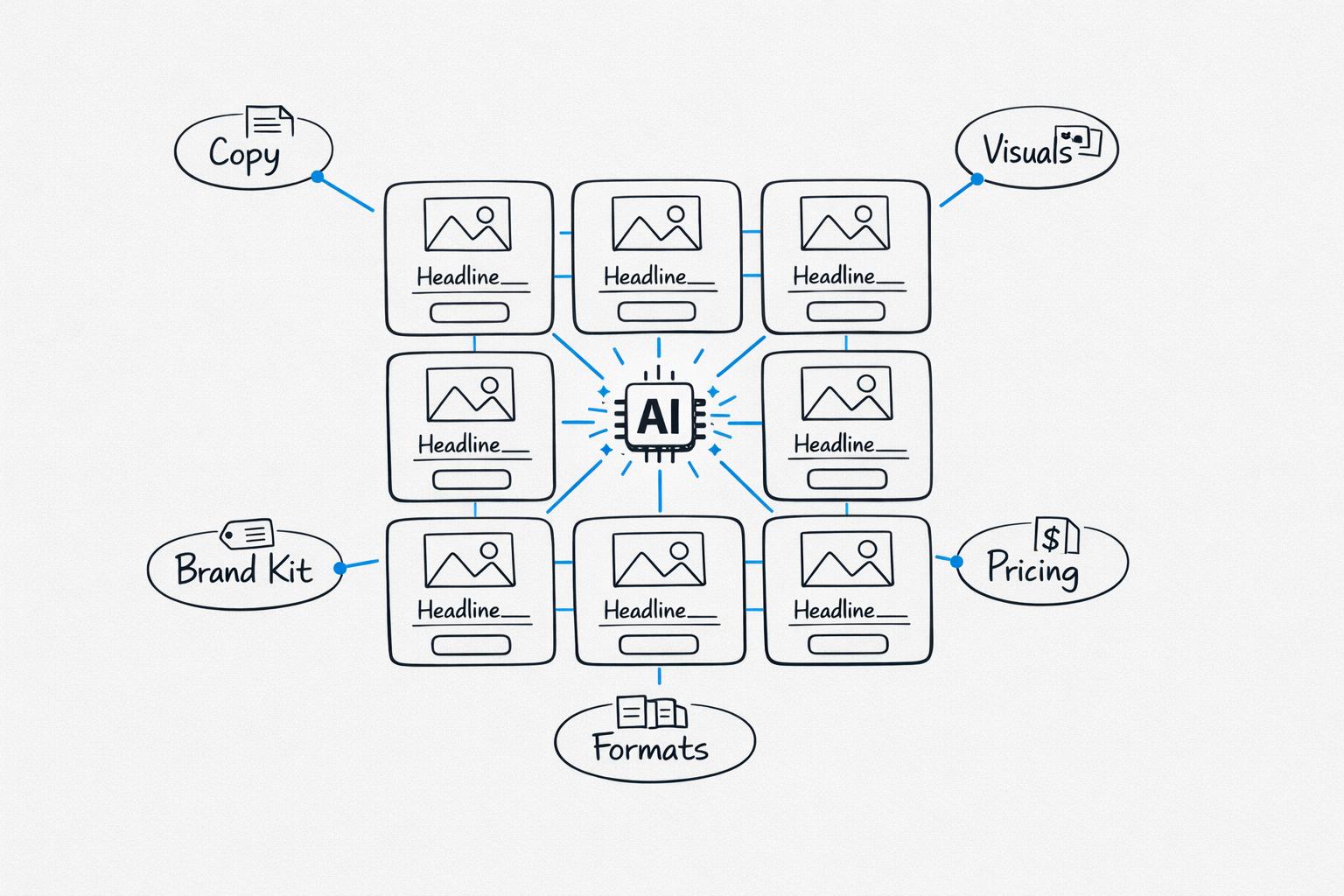
Top AI Tools for Pinterest Pin Design
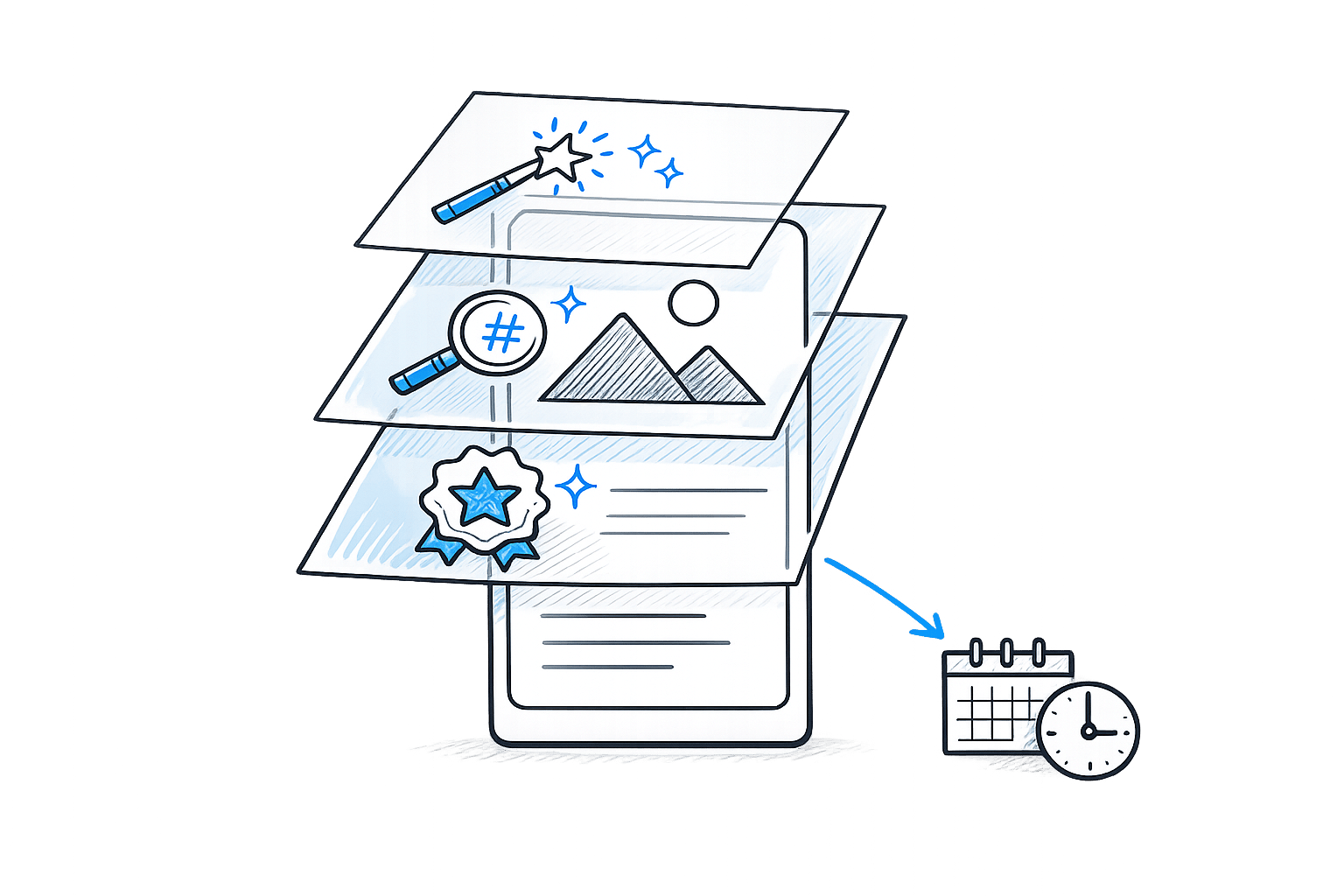
Looking to save time on Pinterest pin creation? AI tools can turn hours of design work into minutes, helping you create professional pins, optimize SEO, and drive traffic effortlessly. Whether you're a blogger, marketer, or business owner, these tools simplify the process and boost results. Here's a quick overview of the best options:
- Draft AI: Converts blog content into SEO-optimized pins with customization options. Free plan available.
- Pin Generator: Automates pin creation from URLs, includes branding tools, and offers a free trial.
- Tailwind Create: Generates multiple pin designs and schedules posts. Free and paid plans start at $9.99/month.
- Imagine.art: Uses AI to create original images from text prompts. Credit-based pricing.
- Content Goblin: Bulk pin creation, scheduling, and branding tools. Plans start at $39/month.
- Ideogram: AI-driven text-to-image designs with advanced customization. Free and premium plans.
- Lovart: Offers AI-assisted designs with a collaborative workspace. Plans start at $9.99/month.
- BlogToPin: Bulk pin generation with SEO features and scheduling. Free tool with paid plans starting at $25/month.
These tools cater to various needs, from beginners to advanced users, and range from free options to affordable subscriptions. Choose based on your volume, branding needs, and design preferences.
How I Create VIRAL Pinterest Pins With AI 🔥
sbb-itb-9f5fe42
1. Draft AI
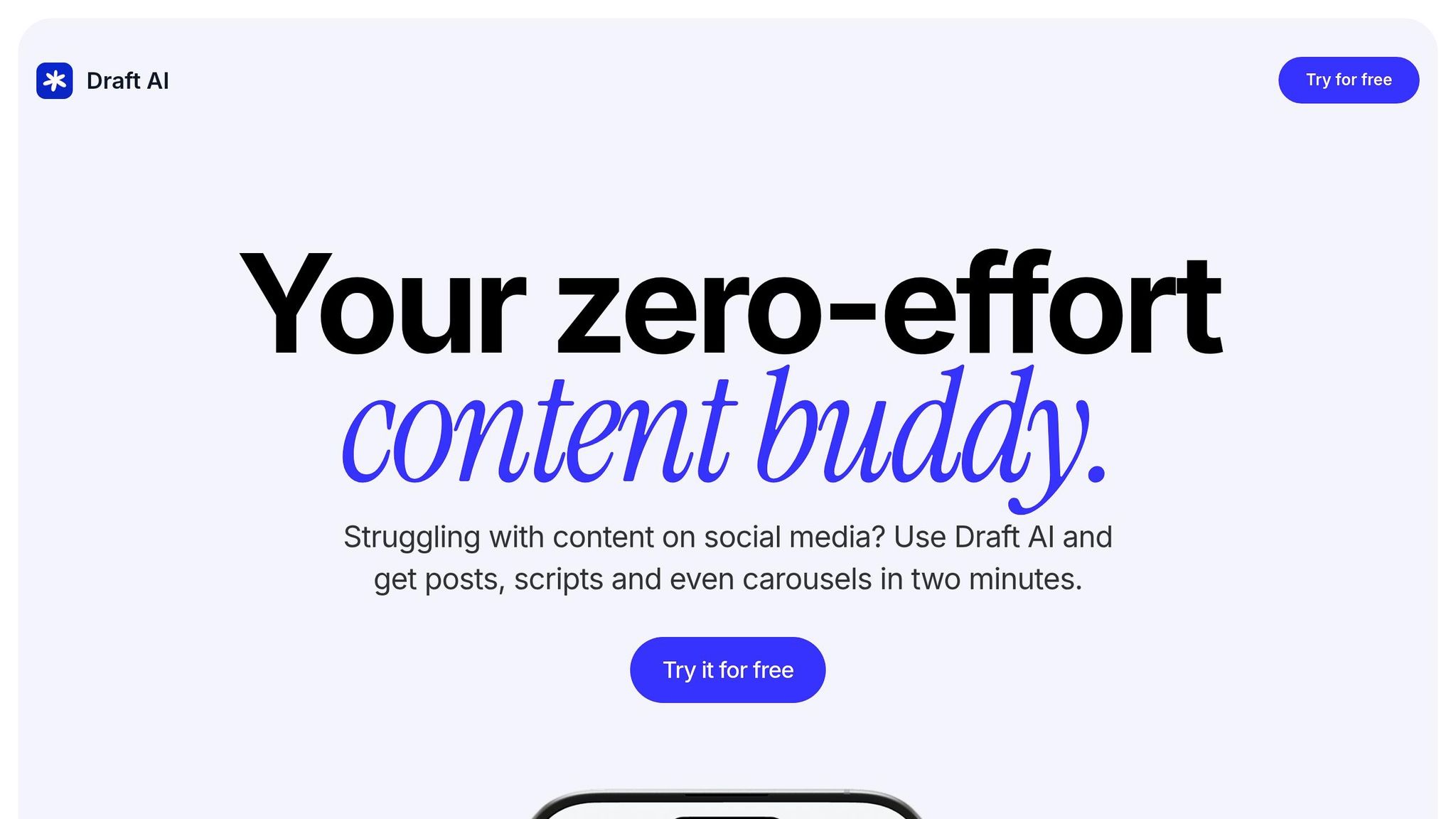
Draft AI takes your blog content and turns it into SEO-friendly Pinterest pins that are visually striking and tailored to your audience. By analyzing your blog's key message and tone, this tool creates pins that feel purposeful and on-brand.
Ease of Use and User Experience
The process is straightforward: paste your blog's URL, pick from AI-generated hooks, tweak the visuals, and export your pins. Draft AI automatically strips out ads and distractions, focusing solely on your blog's meaningful content. You'll get several hook options - whether you aim to educate, solve a problem, highlight outcomes, or spark curiosity - so you can align your pins with your audience's intent. Considering that over 80% of bloggers say creating Pinterest pins takes more time than writing the blog itself, this tool can save you hours of effort. Plus, the customization options make it easy to refine the final product.
Customization Options
Draft AI gives you control over every detail with its editable pin editor. Adjust fonts, colors, and layouts to match your style. The tool also generates high-quality backgrounds that make your pins pop. You can emphasize specific text, modify AI-generated hooks, and even fine-tune Pinterest titles and descriptions, ensuring your pins are optimized for search visibility.
Automation Features
Draft AI ensures quality by guiding you through a step-by-step process that aligns the design with your blog’s main message. This approach helps maintain consistency and keeps the visuals on point.
Pricing and Affordability
For those on a budget, Draft AI offers a free plan that allows you to create pins directly from your blog without spending a dime. It's a great option for individual creators and small businesses looking to maximize their reach without breaking the bank.
2. Pin Generator
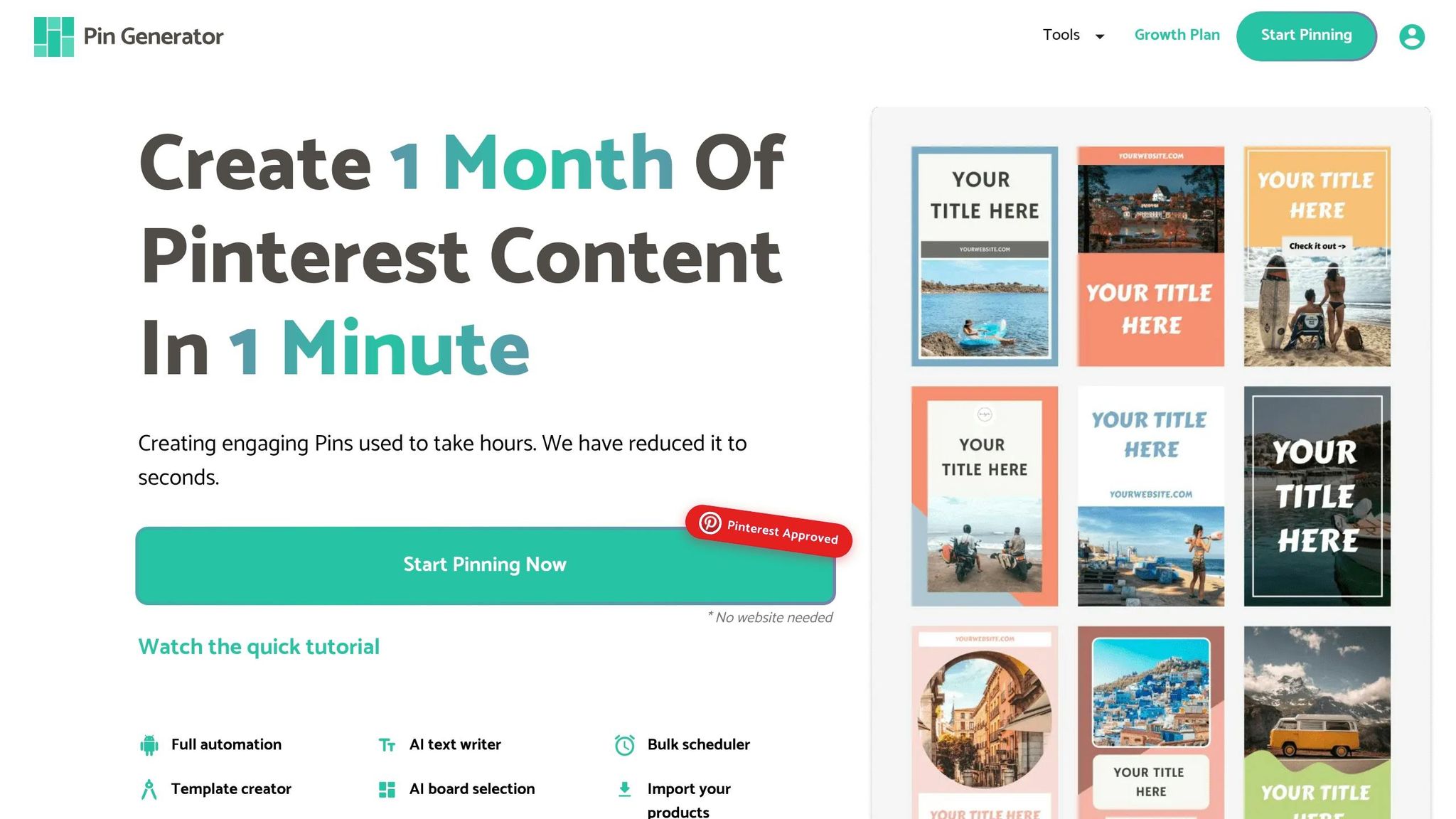
Pin Generator transforms blog posts and product pages into Pinterest pins in just minutes. By simply entering a URL, you can get dozens of ready-to-post designs in under five minutes - a process that would typically take 2–3 hours or more if done manually. Let’s break down its standout features.
Ease of Use and User Experience
This tool is perfect for anyone, especially those without design skills. Just paste a URL, and it automatically pulls titles, meta descriptions, and images from your webpage. Its straightforward interface allows you to generate a large number of pins in one go. Plus, the built-in scheduler lets you spread out posting over several weeks, saving even more time.
Customization Options
Pin Generator’s Brand Kit feature ensures your pins stay on-brand. You can upload your logo, set your color palette, and choose your fonts once, and every pin created will match your brand’s look. The platform also includes a library of professional templates, where you can favorite styles for quick access later. Want more control? You can manually tweak images, text, and colors to fit your exact needs.
Automation Features
This tool takes automation to the next level. It uses AI to craft SEO-friendly titles and descriptions based on your website’s metadata. For WordPress users, there’s a plugin that auto-generates pins whenever you publish a new blog post. Shopify users can sync their product catalogs to create shoppable pins effortlessly. Bulk editing is another huge time-saver, allowing you to update text across multiple pins in seconds.
Pricing and Affordability
Pin Generator offers a free trial, so you can test its features risk-free. Afterward, it runs on an affordable monthly subscription, making it a budget-friendly option compared to hiring a designer or social media manager.
3. Tailwind Create
If you're looking to step up your Pinterest game with speed and flair, Tailwind Create has you covered. As Pinterest's longest-standing partner since 2012, this tool takes your photos and website content and turns them into hundreds of ready-to-post designs in just minutes. No more staring at a blank canvas, wondering where to start. Tailwind users collectively rack up an impressive 100 million clicks from Pinterest every month.
Ease of Use and User Experience
Imagine creating and scheduling multiple Pins in a matter of minutes. Fashion blogger Sam Remer sums it up perfectly:
You can create and schedule 10 Pins in 10 minutes!
Tailwind Create integrates effortlessly with platforms like Shopify, WordPress, and Squarespace. It automatically pulls product images and blog titles into its design editor, so you’re not wasting time uploading files or copying text. The AI takes care of the tedious stuff.
Travel and lifestyle blogger Julianne Brainard describes it as:
It's kind of like having a virtual assistant that is more creative than you are... I'm not stuck with the same templates that I'm getting in Canva.
The tool instantly generates multiple design variations, ensuring your content stays fresh without requiring repetitive effort.
And it doesn’t stop there. Tailwind Create also lets you fine-tune designs to match your brand’s unique style.
Customization Options
The Brand Kit feature is a game-changer. Upload your logo, set your color palette, and pick your fonts once, and every design Tailwind generates will automatically reflect your brand’s identity. DIY blogger Jasmine Goodwin highlights the convenience:
The extensive color templates and instant brand kit application make it so easy to stay consistent.
Tailwind Create also provides templates tailored to specific industries, adapting to your niche effortlessly. With just one click, your uploaded photos are transformed into polished designs that need only minor adjustments before they’re ready to post.
But Tailwind doesn’t just stop at design. It goes further by automating your content strategy.
Automation Features
Tailwind’s Ghostwriter feature drafts SEO-friendly Pin titles, descriptions, and alt text, saving you time and effort. The SmartPin tool generates unique weekly Pins, and SmartSchedule ensures they’re posted at the best times to maximize engagement.
Here’s why it matters: Pins published through Tailwind perform 7% better on average than those posted through other methods. Plus, content created and scheduled with Tailwind is 54% more likely to go viral. For users scheduling 5 Pins daily, Tailwind estimates savings of around 9 hours and $182 per month in labor costs.
Pricing and Affordability
Tailwind offers a Free Forever plan that includes 5 post designs and 5 AI credits per month - no credit card required. For more robust needs, paid plans start at $9.99/month when billed annually (a 50% savings compared to monthly billing). The Pro plan includes 200 post designs and 150 AI credits monthly, while the Advanced plan ($19.99/month annually) and Max plan ($39.99/month annually) provide unlimited post designs with 300 and 1,000 AI credits, respectively. Non-profits can also enjoy an additional 50% discount.
4. Imagine.art
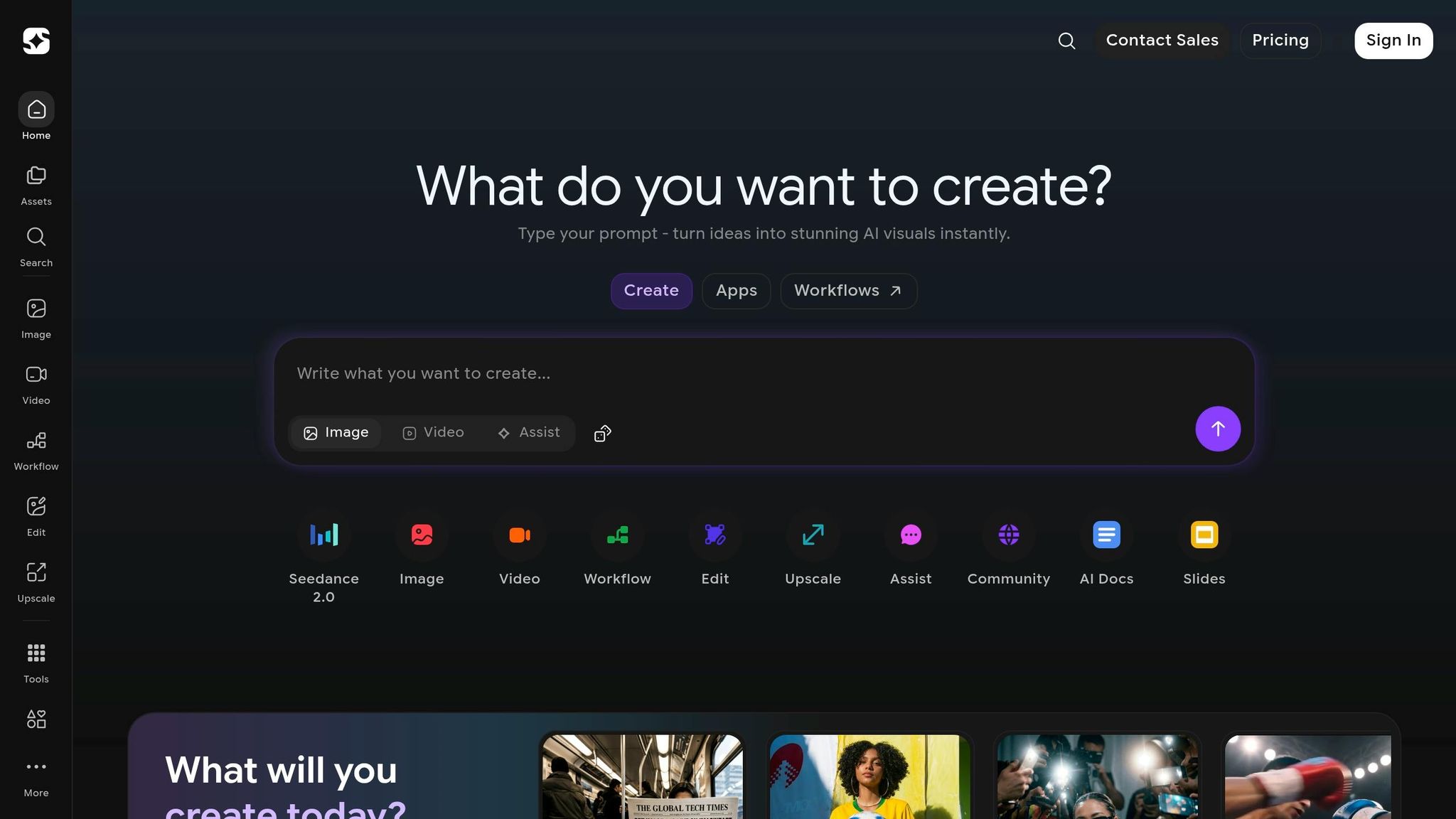
Imagine.art takes Pinterest pin design to a new level by using AI-generated images based on text prompts. Instead of relying on stock photos or pre-made templates, you provide a description, and the AI creates entirely new visuals to form the base of your pins.
Customization Options
This platform is built with Pinterest in mind, offering aspect ratio settings like the standard 2:3 ratio, which is ideal for Pinterest's layout. You can also select from various AI models and styles to match the vibe you're aiming for. This is particularly useful since Pinterest's algorithm tends to favor fresh and original images over reused stock photos.
Ease of Use and User Experience
The process is simple: type in a description, pick a style and aspect ratio, and let the AI handle the rest. By automating image creation, it eliminates the hassle of finding or creating visuals from scratch.
Pricing and Affordability
Imagine.art uses a credit-based subscription system with both free and premium options. If you opt for an annual plan, you can usually save around 20–25% compared to monthly payments. For creators, the unique images generated by this tool can boost visibility and engagement on Pinterest.
Next, let’s look at another tool that can simplify your Pinterest content creation.
5. Content Goblin
Content Goblin takes automation to the next level by combining design, copywriting, and scheduling into one seamless platform. It’s built to turn blog posts into Pinterest traffic by managing everything from visuals to scheduling in a single dashboard.
Automation Features
One of its standout features is the ability to create content in bulk. Simply paste your blog URL, and within 60 seconds, the AI extracts images, generates titles and descriptions, and produces up to 20 Pinterest-optimized pins. The platform also includes a visual calendar, allowing you to schedule pins at intervals ranging from 15 minutes to 24 hours. This helps maintain the consistent posting rhythm that Pinterest’s algorithm favors.
"I queued twenty branded pins in five minutes - no Canva needed."
– Millie Pham, SEO Content Marketer
Customization Options
Content Goblin’s Brand Memory feature ensures your pins stay on-brand by storing your fonts, color palettes, and logos. The platform also includes 15 pre-designed templates and 9 AI image models for creating or editing visuals. For added flexibility, the Remix Mode lets you upload a successful pin and use a "similarity meter" to generate fresh variations, making A/B testing a breeze.
Pricing and Affordability
Content Goblin offers a credit-based subscription system with three tiers:
- Ghoul: $39/month for 2,900 credits
- Ghost: $59/month for 6,000 credits
- Goblin: $109/month for 14,000 credits
A 7-day free trial is available, with no credit card required. However, keep in mind that unused credits do not roll over to the next month, and the platform has a no-refund policy.
6. Ideogram
Ideogram is a text-to-image AI generator that shines in creating graphics with clean, readable typography - a crucial feature for Pinterest pins where text overlays are key to grabbing attention. Unlike tools tailored specifically for Pinterest, Ideogram focuses on producing high-quality visuals rather than automating or scheduling posts.
Ease of Use and User Experience
Using Ideogram is straightforward. You simply describe your idea through a text prompt, and the AI brings it to life in seconds. The Magic Prompt tool can take a simple concept and expand it into a detailed prompt for more refined visuals. The platform also includes an infinite canvas, allowing you to organize multiple designs and apply advanced edits like Magic Fill (for in-painting) and Extend (for out-painting).
"Ideogram excels at integrating text into images for logos, branding, POD or design layouts." – Ideogram
Customization Options
Ideogram provides extensive creative flexibility. Through detailed text prompts, you can choose styles ranging from photorealistic to artistic. It supports a variety of aspect ratios, from 1:3 to 3:1, making it adaptable for various Pinterest pin formats. For creators working with recurring subjects, the Character Reference model ensures visual consistency. Additionally, high-volume creators can use the Batch Generation feature to produce up to 500 pin designs at once via CSV files.
Pricing and Affordability
Ideogram offers a free plan that doesn’t require a credit card, making it an easy, no-risk option for beginners. For users needing advanced tools, Pro and Team subscription plans provide additional features, such as Batch Generation. There’s also an official iOS app, so you can create designs directly on your iPhone or iPad. Next, we’ll look at another tool that blends AI-driven creativity with an intuitive design experience.
7. Lovart
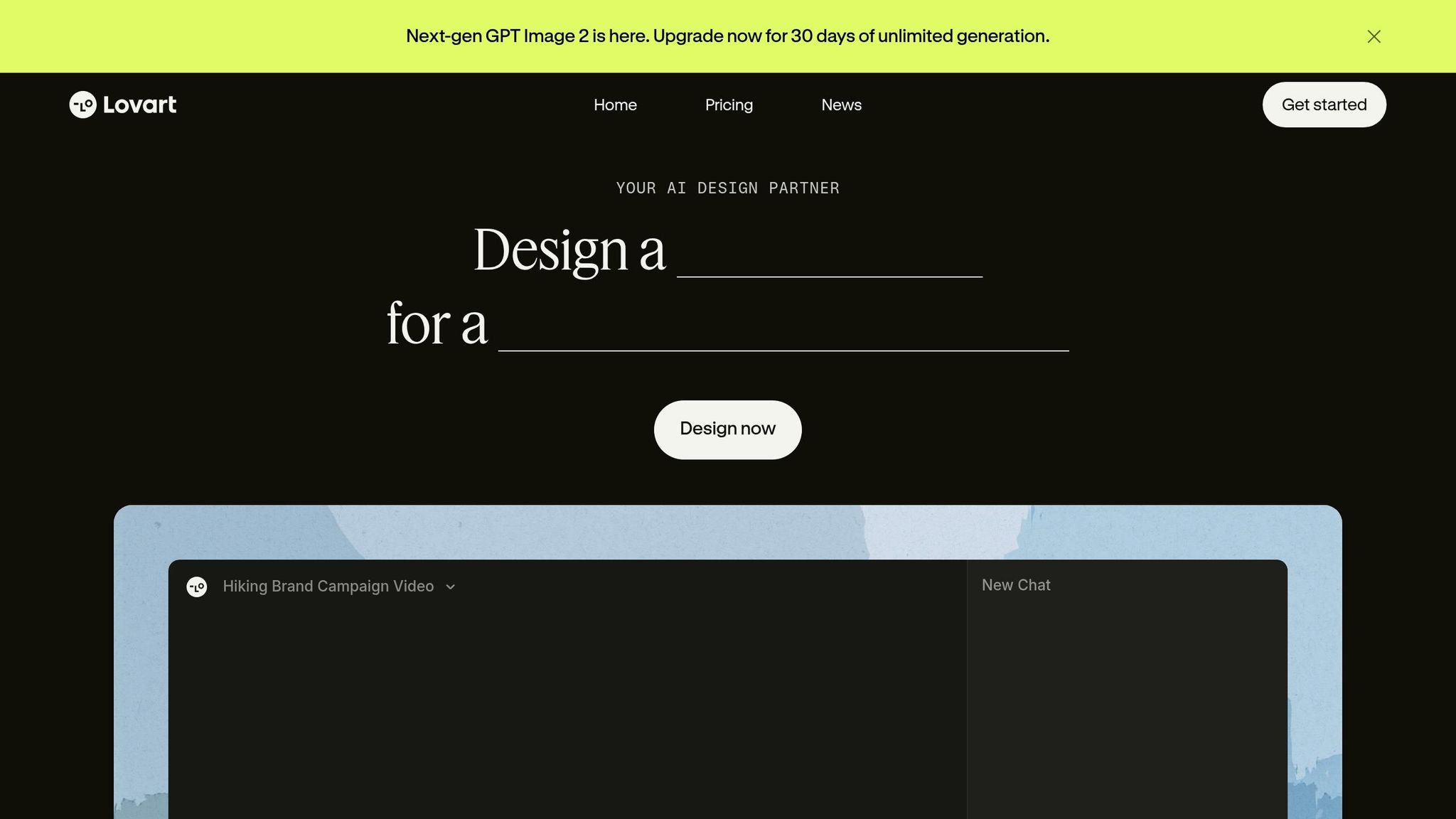
Lovart isn’t your typical template-based design tool. Instead, it works as an AI Design Agent, using a multi-step reasoning process to create Pinterest pin designs that suit your specific needs. Its standout feature, ChatCanvas, offers an infinite workspace where you can collaborate visually with the AI, organize mood boards, and fine-tune your designs to perfection.
This combination of creative freedom and automated content creation makes Lovart a different kind of design tool.
Customization Options
With Lovart, you gain access to a massive library of royalty-free stock photos, videos, illustrations, icons, and professional fonts. The AI steps in to create harmonious color palettes and smart font pairings, while the drag-and-drop editor ensures ease of use. Features like pixel-perfect alignment guides, layer management, and editable text give you complete control over your designs.
Automation Features
Lovart shines in automation. It can batch-generate hundreds of auto-resized creatives in mere minutes. Beyond that, it offers tools for content creation, such as providing copy direction, generating scripts, and even adding subtitles and voiceovers for videos. Shared styles and reusable assets make it easy for teams to maintain consistent branding across multiple campaigns. This is especially useful when using AI tools for carousel design alongside standard pins.
Pricing and Affordability
Lovart offers a free trial option, so you can explore the AI Design Agent before committing to a subscription. Paid plans are based on the Nano Banana 2 image generation model, with three tiers:
- Basic: $9.99/month, includes 150 credits and 15 AI image generations.
- Standard: $29.99/month, includes 750 credits and 75 AI image generations.
- Pro: $79.99/month, includes 2,400 credits and 240 AI image generations.
All paid plans come with commercial usage rights, though credits expire after 60 days. As COLAW from Lovart explains:
Nano Banana 2 is not just faster, it is sharper in every way that matters.
8. BlogToPin
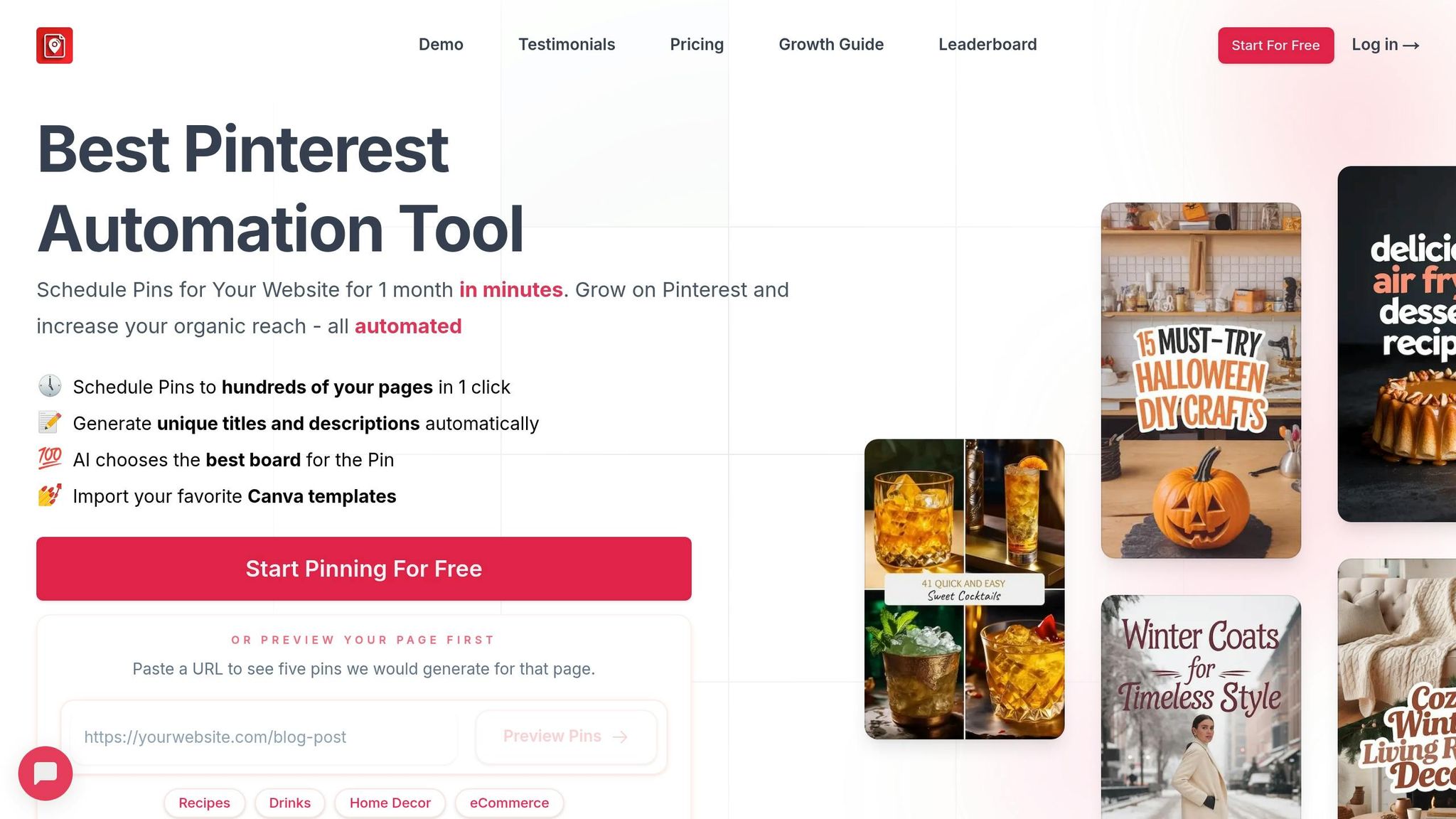
BlogToPin is another tool designed to help creators boost traffic and create social media posts in minutes with ease. It scans your website and generates hundreds of Pinterest pins in just one click. So far, over 3.7 million pins have been uploaded using this tool.
Customization Options
BlogToPin provides plenty of ways to keep your pins aligned with your brand. You can pick from 27 Pinterest templates and 36 preset color palettes to match your style. There’s also a broad range of fonts to choose from, and if you’re on a higher-tier plan, you can even upload your own fonts for total control. Plus, you can import your Canva templates to maintain your existing visual identity while adding variety with AI-generated designs.
These features make it easy to create pins that are both personalized and professional.
Automation Features
The automation capabilities of BlogToPin go far beyond just scheduling. The tool generates SEO-friendly titles, writes descriptions, and selects the most relevant Pinterest boards for your content. Its Smart Shuffle algorithm schedules pins over a 30-day period to ensure a natural posting cadence. Even better, the bulk creation feature allows you to process hundreds of website pages at once.
One user described their experience:
"It's how AI in the tool matches pages to boards, generates unique content, and gets respective images for each pin - all automatically! This is a true Pinterest automation tool, not just a scheduler".
Users have reported impressive results with BlogToPin. For example, CocktailWave shared:
"BlogToPin helped me 2x my traffic from Pinterest in only 1.5 months! Right now, Pinterest's slowly becoming my #1 traffic source".
On average, users have seen up to 3.2x more traffic and 2.8x higher click-through rates.
Pricing and Affordability
BlogToPin offers a free AI Pinterest Pin Maker with hourly and daily limits, giving you a chance to try it out before committing. If you’re ready to upgrade, here’s what the paid plans look like:
- Starter Plan: $25/month (or $299/year) for 35 pins per day and 500 AI-generated pins per month.
- Agency Plan: $50/month (or $599/year) for 350 pins daily.
- Enterprise Plan: $125/month (or $1,499/year) for 1,000 pins per day.
A 10% discount code (OFF10) is available, though refunds aren’t offered due to the high costs of AI processing.
With its combination of customization, automation, and flexible pricing, BlogToPin stands out as a powerful tool for Pinterest marketing.
Tool Comparison Table
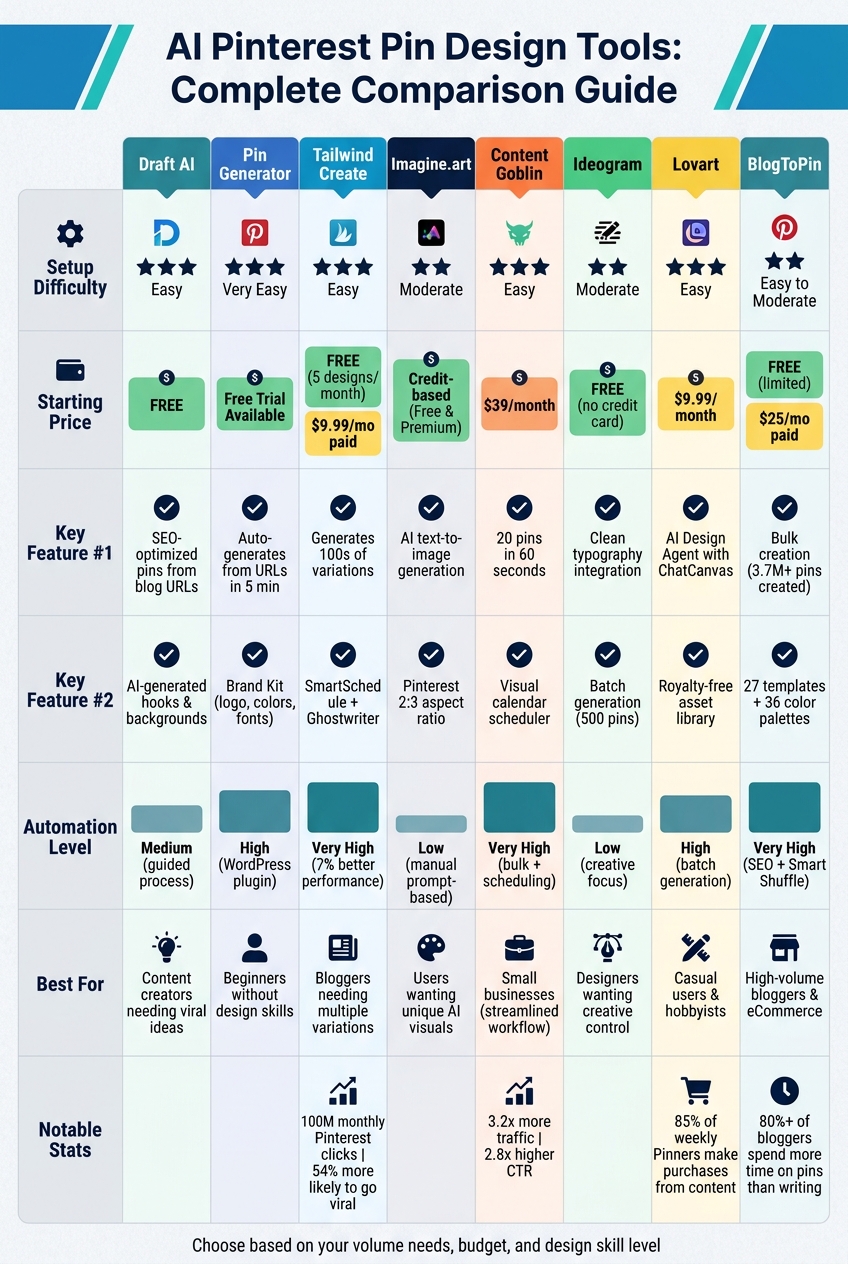
AI Pinterest Pin Design Tools Comparison: Features, Pricing & Best Use Cases
The table below outlines the major features, setup ease, pricing, and ideal users for each tool, helping you decide which fits your needs.
| Tool | Setup Difficulty | Key Features | Pricing (USD) | Best For |
|---|---|---|---|---|
| Draft AI | Easy | Viral content ideas, voice-to-content, custom style learning, multilingual support | Free (limited); $15/month Pro | Content creators needing quick social media posts and Pinterest content ideas |
| Pin Generator | Very Easy | URL-based automation with a Brand Kit that applies logos, colors, and fonts automatically | Pricing varies | Beginners wanting simple, automated pin creation without design skills |
| Tailwind Create | Easy | Auto-generates dozens of pin variations using brand assets | Pricing varies | Bloggers and businesses needing multiple pin variations quickly |
| Imagine.art | Moderate | AI image generation and creative design options | Pricing varies | Users wanting unique, AI-generated visual content |
| Content Goblin | Easy | Automated content creation with a robust template library | Pricing varies | Small businesses seeking streamlined content workflows |
| Ideogram | Moderate | AI-powered design generation with advanced customization tools | Pricing varies | Designers looking for AI-assisted creative control |
| Lovart | Easy | Template-based design with a simple, user-friendly interface | Pricing varies | Casual users and hobbyists creating occasional pins |
| BlogToPin | Easy to Moderate | Bulk pin generation with SEO optimization and a variety of design templates | Free (limited); $25/month Starter; $50/month Agency; $125/month Enterprise | Bloggers and eCommerce businesses needing high-volume, automated pin creation |
For beginners, Pin Generator stands out as an intuitive option, offering effortless automation and requiring no design expertise. If you're running an eCommerce business, tools that support bulk pin generation, like BlogToPin, can handle high-volume demands effectively. Bloggers will appreciate platforms that integrate SEO optimization into pin creation, ensuring their content reaches the right audience.
Meanwhile, Draft AI carves out a special role by focusing on generating viral content ideas and hooks before diving into design, making it a great addition to your Pinterest marketing toolkit. Whether you're looking for automation, customization, or creative control, this comparison helps match the right tool to your strategy.
Conclusion
AI tools have revolutionized the way Pinterest pins are designed, transforming a time-intensive process into something that can be done in just minutes. Whether you're a blogger juggling tight deadlines, an e-commerce entrepreneur managing countless product listings, or simply someone looking to grow your brand, there's an AI tool tailored to your needs.
The key is finding the tool that aligns with your specific goals. If you're managing a high volume of content and need to keep up with Pinterest's demand for fresh pins, bulk generators like Pin Generator can save you hours of work. For those focused on maintaining a cohesive brand image, platforms with Brand Kit features ensure your designs consistently reflect your visual identity. And if you're stuck on what to post, Draft AI can help you brainstorm engaging content ideas and hooks that can later be transformed into eye-catching pins.
With 85% of weekly Pinners making purchases influenced by the content they see, the right AI tool isn't just about saving time - it can directly impact your bottom line. Start by identifying your biggest challenge, whether it's speed, design quality, or content creation. Test a tool for a month, monitor your Pinterest analytics, and refine your approach. With options ranging from free tools to premium plans under $60/month, the most important factor is consistency - choose a tool you'll stick with and make it part of your routine.
FAQs
Which tool is best for beginners?
If you're new to designing Pinterest pins, Pin Generator is a fantastic tool to get started. It streamlines the entire process by automatically creating pins, enabling you to produce dozens of polished, brand-aligned designs in just minutes. With its intuitive interface, it's perfect for anyone without design expertise or Pinterest marketing experience, making the workflow both fast and hassle-free.
Do these tools improve Pinterest SEO automatically?
Some AI tools for designing Pinterest pins can assist in creating visually appealing and SEO-friendly content. However, they won't magically boost your Pinterest SEO on their own. To see real results, you need to actively implement the tool's suggestions and tailor your pins to align with your specific goals and audience preferences.
How do I keep pins on-brand with AI?
To ensure your Pinterest pins stay aligned with your brand, use AI to customize key design elements such as colors, fonts, and templates. Many AI-powered tools let you define brand-specific styles, making it easier to create pins that consistently reflect your brand's identity. This approach not only keeps your visuals cohesive and recognizable but also simplifies the design process, saving you time and effort.