Top LinkedIn Headline Generators in 2026
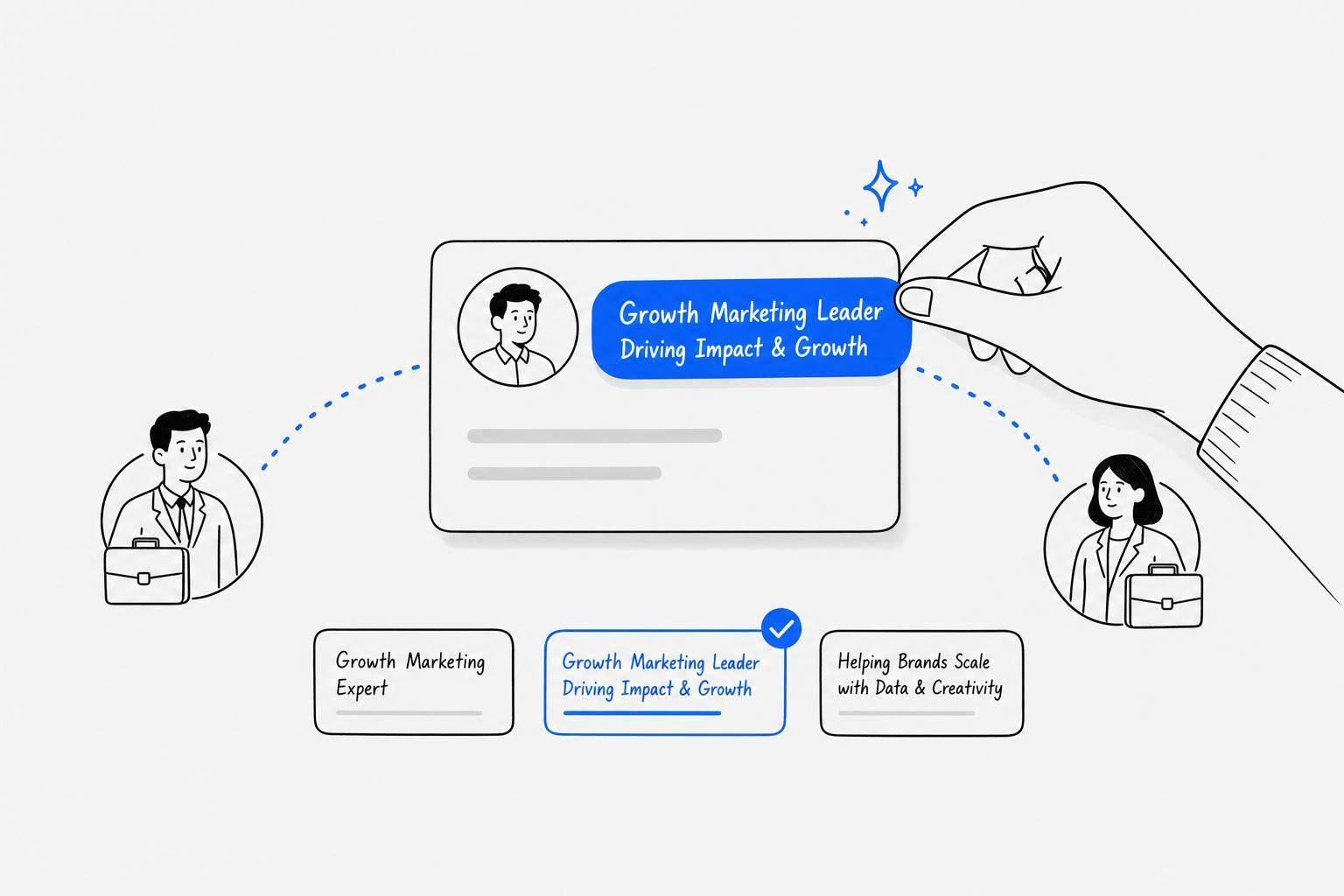
In 2026, AI tools are transforming how professionals craft LinkedIn headlines, helping users stand out in searches, attract recruiters, and boost profile views. With 40% of LinkedIn users judging profiles by the headline first, having a clear, engaging headline is critical. Here are six headline generators worth considering:
- Draft AI: Offers personalized content creation, including LinkedIn headlines, posts, and carousels. Best for building a consistent LinkedIn presence. Starts at $15/month.
- Taplio: Free tool for quick headline ideas, with broader LinkedIn growth features like post scheduling and analytics. Paid plans start at $39/month.
- Grammarly: Free headline generator with tone and grammar optimization. Ideal for polished, professional headlines.
- LinkedJetpack: A free, no-signup tool that generates recruiter-friendly headlines. Great for quick updates.
- AIApply: Tailored for job seekers, optimizing headlines for recruiter searches using job descriptions. Free tier available.
- Copy AI: Flexible headline creation with templates, workflows, and A/B testing. Free plan includes 2,000 words/month; advanced features require Enterprise plans.
Quick Comparison
| Tool | Key Features | Best For | Starting Price |
|---|---|---|---|
| Draft AI | Custom style, full content suite | Personal branding | $15/month |
| Taplio | Free tool + LinkedIn management | LinkedIn growth | $39/month |
| Grammarly | Grammar and tone refinement | Polished headlines | Free |
| LinkedJetpack | Quick headline generation | Recruiter-friendly updates | Free |
| AIApply | Job description-based headlines | Job seekers | Free |
| Copy AI | Templates, workflows, A/B tests | Teams, marketing | Free (basic plan) |
Choose the tool that aligns with your goals - whether it’s job hunting, personal branding, or LinkedIn growth. A strong, keyword-optimized headline can make all the difference.
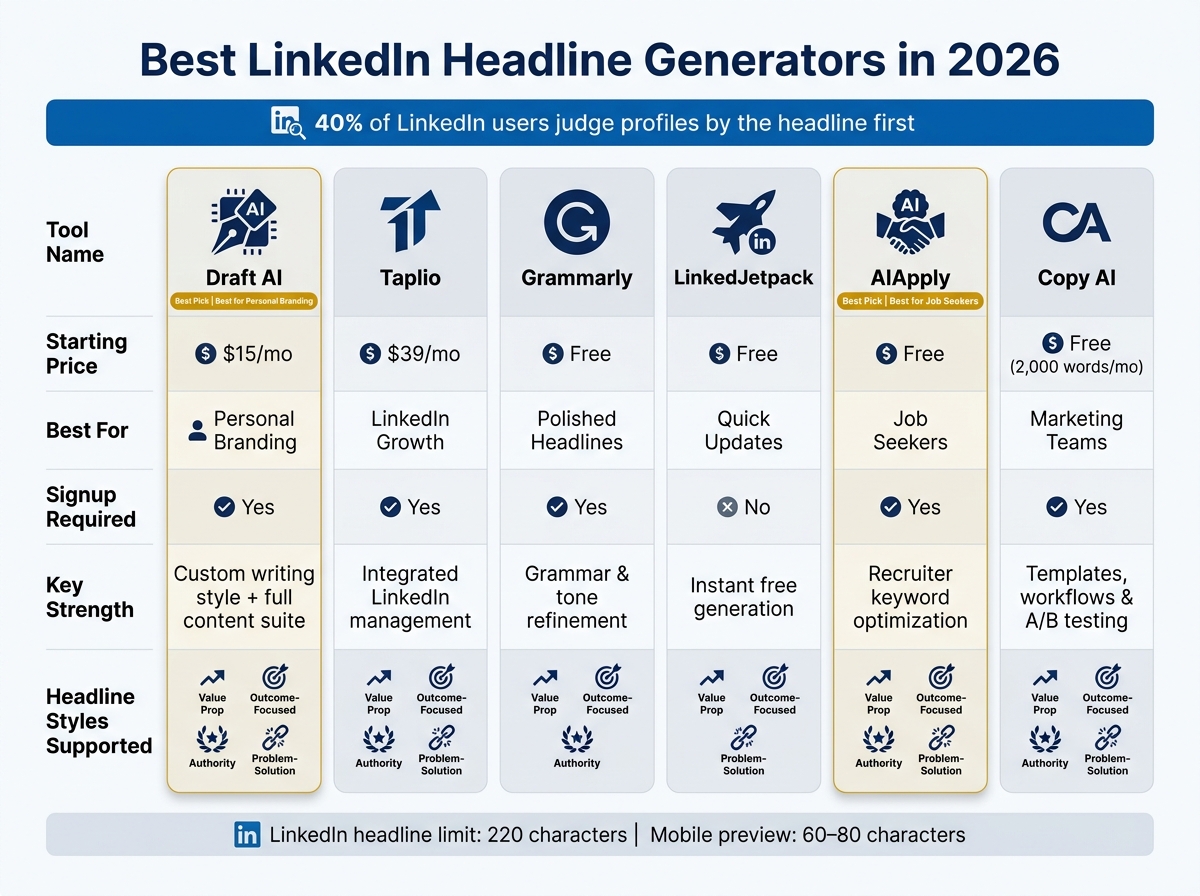
Best LinkedIn Headline Generators 2026: Side-by-Side Comparison
How to Write Your LinkedIn Headline & Summary with AI
sbb-itb-9f5fe42
1. Draft AI
Draft AI is a tool designed to simplify social media content creation, with a particular focus on LinkedIn. Rather than being just a headline generator, it takes a broader approach. You provide details about your business, role, or blog, and it crafts content tailored to your style and objectives. Let’s take a closer look at its LinkedIn-specific features.
You can input raw text, paste information, or even use a voice message to get started. Draft AI then turns that input into LinkedIn-ready posts, carousels, and other formats in just a few minutes. A standout feature is its AI-driven personal writing style. Available on the Pro plan, this feature analyzes your previous posts to understand your tone and mimics it in new content.
For LinkedIn, it supports both text posts and carousels, with export options formatted specifically for the platform. It even includes a swipe-based content idea tool that helps generate niche-specific hooks for your headlines.
Other features include multilingual translation, font and color customization, smart layouts, and photo uploads, making it a versatile option for content creation.
| Plan | Price | Key Limits |
|---|---|---|
| Free | $0/month | 3 topics, limited generations, no custom style |
| Draft Pro | $15/month | Unlimited generations, custom style, all formats |
| Draft Pro (Yearly) | ~$120/year | All Pro features + 7-day free trial |
Draft AI is a great fit for professionals looking to build a strong LinkedIn presence. However, it might be more than necessary if you're only looking for occasional headline ideas.
2. Taplio LinkedIn Headline Generator
Taplio offers a free LinkedIn headline generator that delivers 10 personalized headline suggestions in just three seconds. All you need to do is input your job title, skills, and preferences - such as industry, career stage, tone, and goals (like job searching, networking, or career changes). The tool uses this information to create tailored options, meeting the modern need for concise and impactful LinkedIn headlines.
The generator relies on proven strategies like value propositions, metrics-driven statements, and problem-solution formats. Each headline is capped at 220 characters to fit LinkedIn's desktop character limit, though the recommended range of 180–200 characters ensures better visibility on mobile devices - important given that most LinkedIn users browse on their phones.
Here’s a tip: use outcome-focused titles instead of generic ones. For example, swapping "Marketing Consultant" for "Email Marketing Consultant for SaaS | $2M+ ARR driven in 2025" can help the tool produce sharper, more effective results. This approach not only enhances the generated suggestions but also gives your profile a stronger starting point.
The tool is free for up to three headline generations without requiring an account. After that, it becomes part of Taplio's broader LinkedIn growth platform, which includes features like LinkedIn AI scheduling tools, a viral post library, and analytics.
| Plan | Monthly Price | Annual Price | Key Features |
|---|---|---|---|
| Free Tool | $0 | $0 | Up to 3 headline generations, no sign-up required |
| Starter | $39/mo | $32/mo | Scheduling and basic analytics |
| Growth | $69/mo | $49/mo | AI post generator, hook writer, viral post library |
| Pro | $199/mo | $149/mo | Unlimited AI credits, 450M+ lead database, outreach automation |
One downside is that the AI-generated headlines can sometimes feel overly generic unless you edit them extensively. Additionally, the Starter plan lacks the AI writing tools that many users might find essential. As Ivana Todorović, a reviewer, noted:
"Taplio is worth it if you're buying it for what it actually is: a LinkedIn-assisted sales tool with AI content to keep you visible." - Ivana Todorović, AuthoredUp
Currently rated 4.0/5 on Product Hunt, Taplio is a solid choice for anyone looking for a quick way to craft LinkedIn headlines. It’s especially useful if you’re planning to explore its broader platform for LinkedIn-focused growth strategies. Next, let’s dive into the benefits and challenges of Taplio’s overall approach.
3. Grammarly LinkedIn Headline Generator
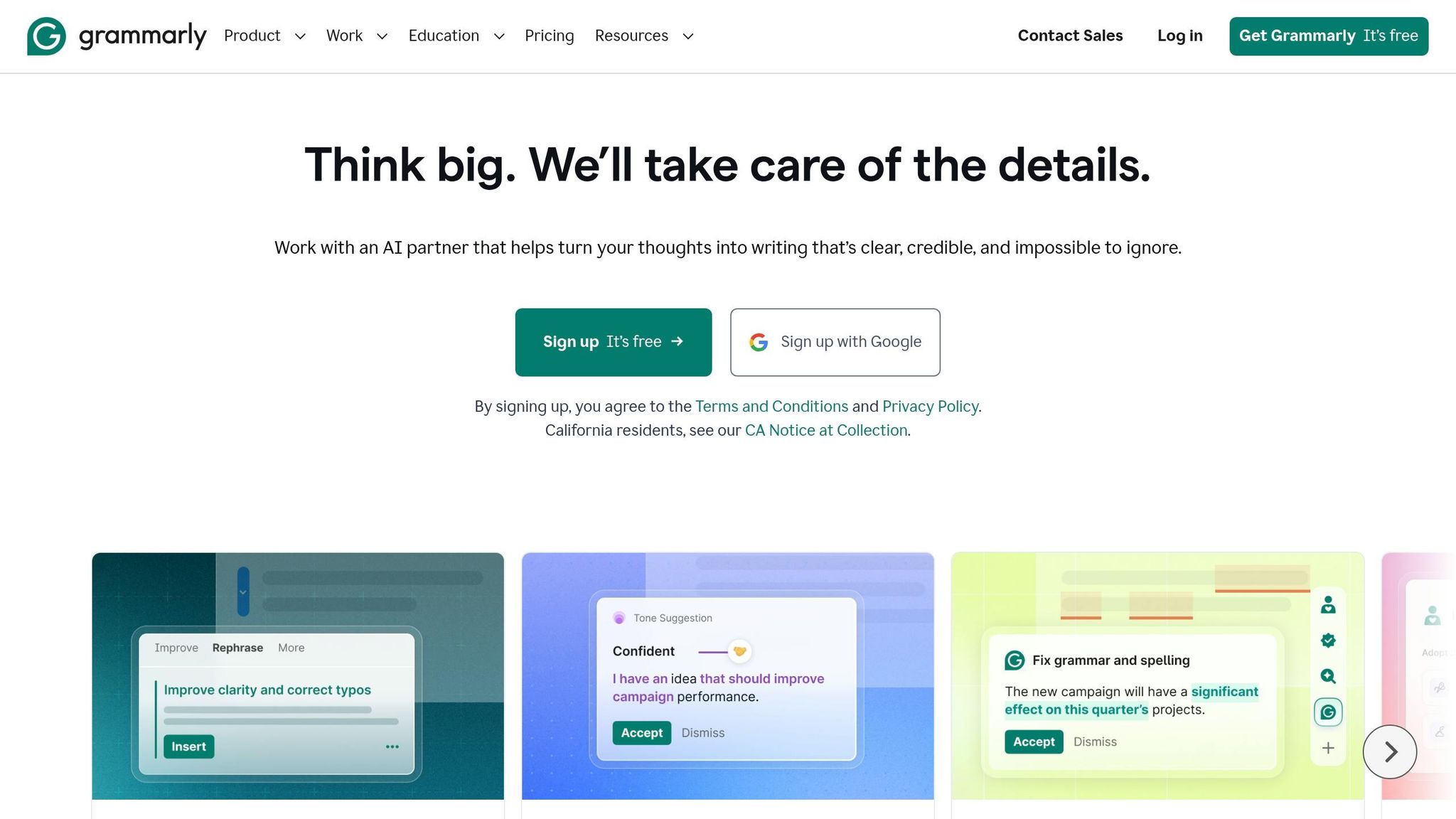
Let’s take a closer look at how Grammarly helps craft LinkedIn headlines with precision and ease.
Grammarly's LinkedIn Headline Generator is completely free - no ads, no hidden costs. This makes it a great choice if you want a polished, professional headline without spending money on premium tools.
The process is simple. You input details like your job title, industry, past companies, and key skills. You can also set a character limit (up to 220) and select a tone that fits your personal brand. Options include tones like "professional yet creative" or "engaging." For instance, a freelance copywriter using the "professional yet creative" tone might get this suggestion: Freelance Copywriter & Content Strategist | Crafting Engaging Content That Converts | Helping Businesses Elevate Their Brand Voice.
To maximize visibility, make sure your job title or primary keyword appears within the first 60–70 characters. This ensures it stands out in LinkedIn’s 120-character preview snippet.
Grammarly also offers seamless integration. Its browser extension works with over 1 million apps, including Google Docs, Gmail, and Microsoft Word. This means you can tweak your headline directly on LinkedIn while simultaneously updating related documents.
According to FinalLayer's 2026 guide, Grammarly scores 4/5 stars and is labeled the "best for clear, grammatically perfect headlines" among top content creation tools. However, features like advanced tone adjustments and deeper writing tools are only accessible with Grammarly Premium or Business subscriptions. The free headline generator is just one part of Grammarly’s broader platform.
Next, we’ll look at another tool that offers even more ways to enhance your LinkedIn headline.
4. LinkedJetpack Free LinkedIn Headline Generator
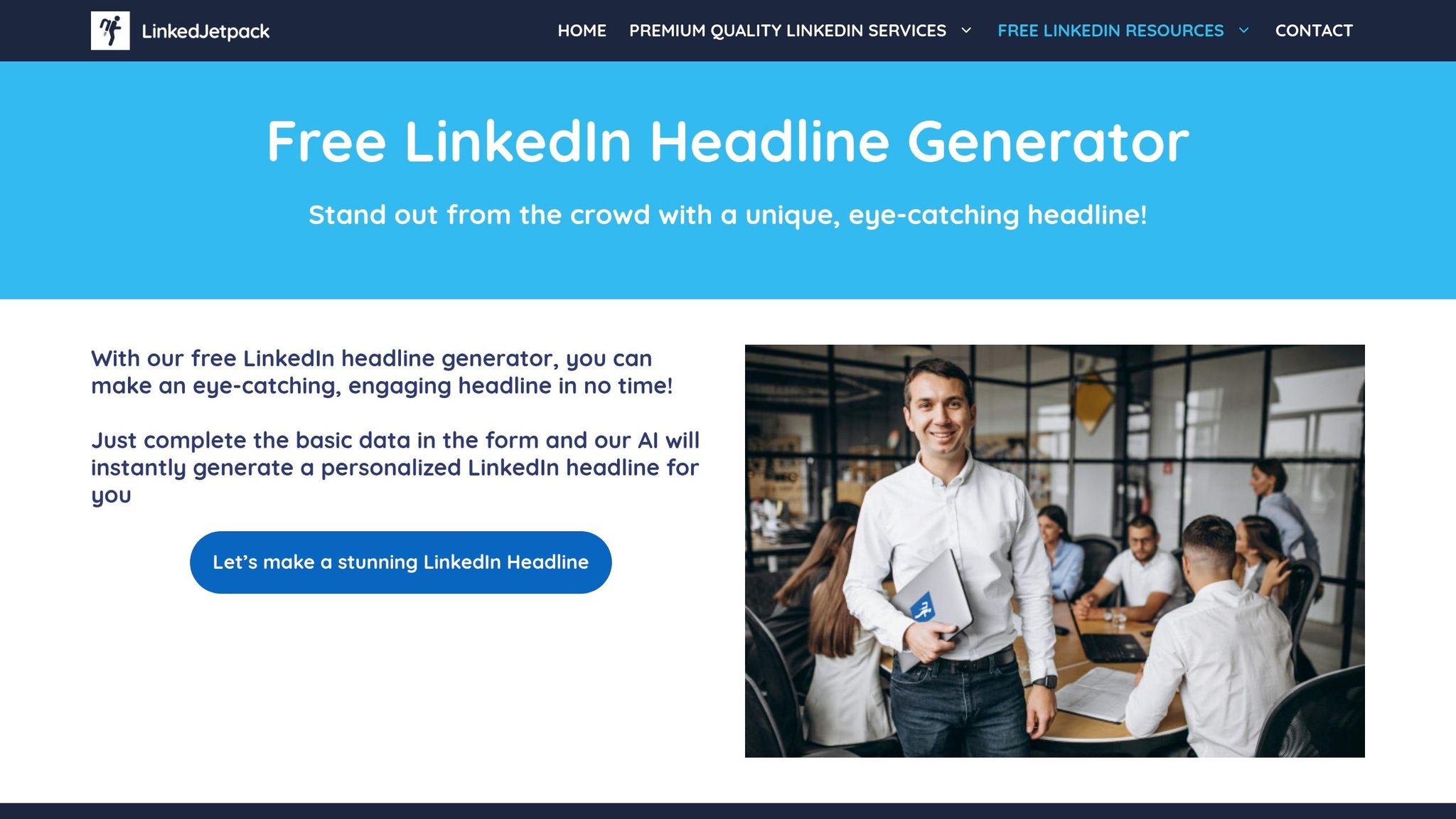
LinkedJetpack takes a different approach to crafting LinkedIn headlines, making the process quick and straightforward. Instead of filling out a long form, you can simply upload your LinkedIn profile as a PDF. The tool then pulls key details like your role, company, industry, and skills directly from the file. Prefer not to upload? No problem - you can just type in your current or target job title. Based on your input, the tool generates six recruiter-friendly headline options.
One standout feature is its ability to customize headlines based on your professional goals. For instance, freelancers can opt for a Value Proposition style, executives might choose the Authority style, and sales or marketing professionals could go for the Outcome-Focused style. The tool also incorporates 2–3 industry-specific keywords designed to align with recruiters' search criteria for 2026. Plus, all headlines are crafted to fit LinkedIn's character limits, so there's no need for extra editing.
The best part? The headline generator is completely free, making it a great option for anyone looking to update their profile or attract recruiters without spending a dime.
Next, let’s dive into the next tool and see what sets it apart in headline optimization.
5. AIApply LinkedIn Headline Generator
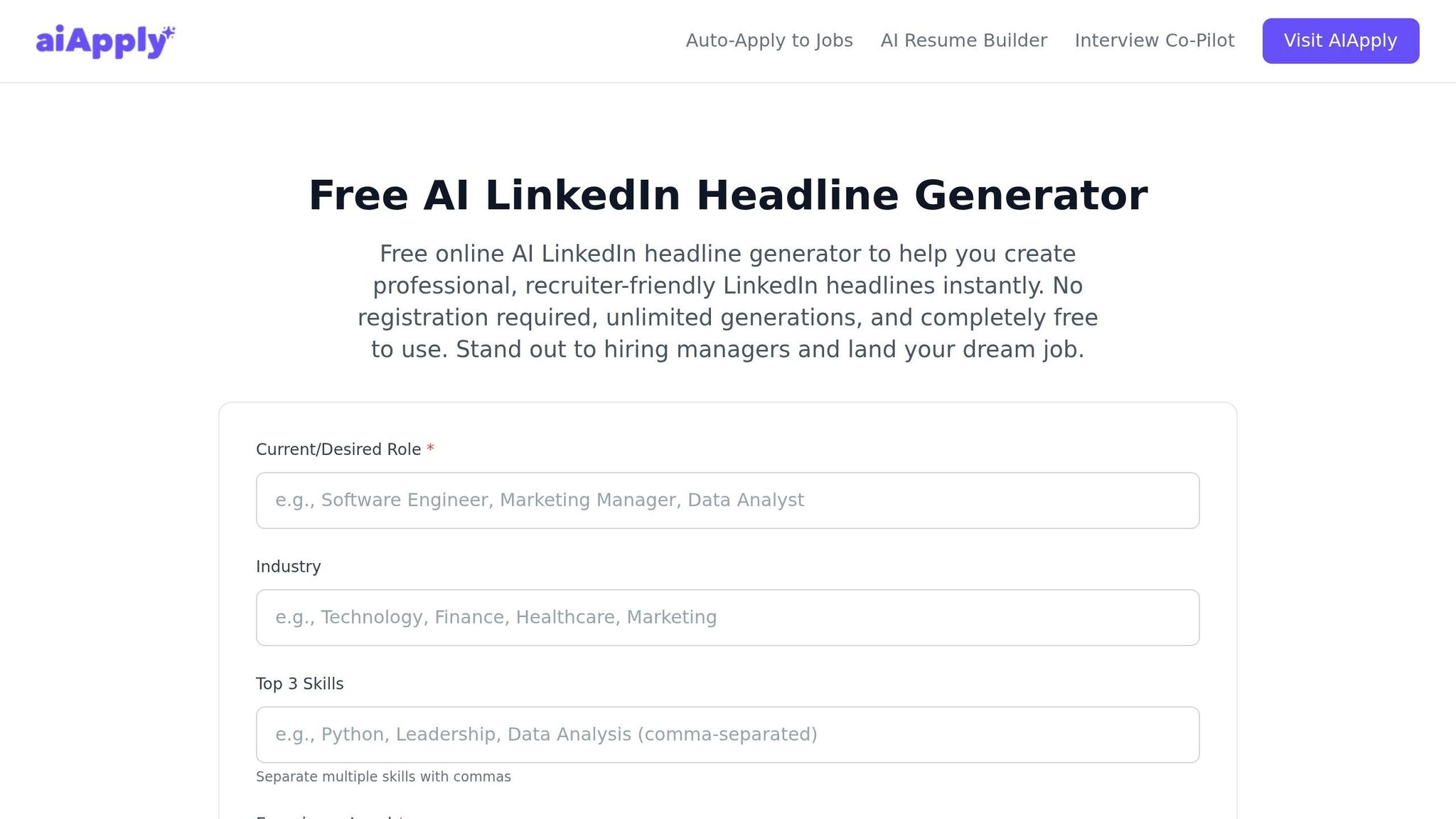
AIApply is designed for job seekers, offering a simple way to create effective LinkedIn headlines. You can either manually input your target role and key skills or paste a job description to quickly extract relevant keywords.
The tool uses Boolean logic (with terms like AND, OR, NOT) to organize keyword combinations in a way that aligns with how recruiters search, increasing your profile's visibility. It also prioritizes placing important keywords within the first 60–70 characters, ensuring they stand out in search results.
As part of a larger job search toolkit, AIApply is particularly helpful for candidates aiming for specific roles. However, its reliance on job descriptions might feel limiting for those not actively seeking new opportunities.
Next, let’s look at another tool that takes a different approach to headline creation.
6. Copy AI LinkedIn Headline Generator
Copy AI brings flexibility to headline creation with three distinct methods: a chat-based interface, pre-designed templates tailored to specific roles, and automated workflows that pull data from public LinkedIn profiles for personalized outreach.
Its Infobase feature acts as a repository for your brand messaging, value proposition, and professional details, ensuring that every headline aligns with your unique tone and goals. You can even apply structured copywriting approaches like the Pain-Agitate-Solution framework to craft headlines with a focused appeal.
The tool generates multiple headline variations, making it easy to run A/B tests and monitor keyword performance. Plus, it ensures your headlines remain optimized for LinkedIn's search algorithm and feed visibility.
"Copy.ai has enabled me to free up time to focus more on where we want to be in say three months from now, six months from now, instead of just deep in the weeds." - Jen Quraishi Phillips, Brand Strategy, Airtable
When it comes to pricing, Copy AI offers a free plan that includes 2,000 words per month and access to over 90 content types - no credit card required. For larger needs, the Enterprise plan provides features like guaranteed uptime, Open API access, SOC 2 Type II compliance, and the "Chat to Workflow" tool for scaling content production.
Pros and Cons
Here’s a breakdown of the strengths and weaknesses of each tool, tailored to help you decide which one aligns best with your goals. The table below provides a quick comparison of their standout features, limitations, ideal use cases, and pricing.
Draft AI is perfect for crafting LinkedIn content that feels personal and polished. It adapts to your writing style and offers a full suite of tools for creating AI tools for carousel design, scripts, posts, and even profile copy. At $15/month for the Pro plan, it’s a solid choice for content creators and those building personal brands.
Taplio combines headline generation with a broader LinkedIn strategy toolkit. It’s great for thought leaders but might feel pricey for freelancers or professionals just starting out.
Grammarly excels at refining headlines with its advanced grammar and tone analysis. However, it’s not specifically designed for LinkedIn content creation.
LinkedJetpack is a no-frills, free tool that doesn’t require any signup. It’s great for quick, on-the-spot headline generation but lacks the customization options of paid tools.
AIApply is tailored for job seekers, focusing on creating recruiter-friendly headlines optimized for industry-specific searches.
Copy AI provides a variety of methods for generating headlines, including chat-based interactions and customizable templates. However, its most advanced features are locked behind the Enterprise plan, making it better suited for larger teams.
"Recruiters search 'Product Manager,' not 'Product Visionary.' Use standard industry titles as your primary keywords." - NavioHQ
| Tool | Key Strengths | Key Weaknesses | Best For | Starting Price |
|---|---|---|---|---|
| Draft AI | Comprehensive content tools; adapts to style | Free plan limits to 3 topics; credit-based use | Content creators, personal brand builders | Free / $15/month Pro |
| Taplio | Integrated with LinkedIn management tools | Higher price point | Thought leaders, LinkedIn power users | Paid plans only |
| Grammarly | Strong grammar and tone analysis | Not LinkedIn-specific | Writers seeking polished content | Free / Paid tiers |
| LinkedJetpack | Free and no signup required | Lacks personalization | Casual users, quick headline generation | Free |
| AIApply | Optimized for recruiter searches | Limited to job-seeking use cases | Active job seekers | Free tier available |
| Copy AI | Variety of generation methods; flexible UI | Advanced features require Enterprise plan | Marketing teams, brand strategists | Free (2,000 words/month) |
Your choice will depend on your goals. If you’re job hunting, AIApply or LinkedJetpack are excellent options. For personal branding, Draft AI offers a robust set of tools, while Copy AI is a better fit for larger marketing teams needing advanced features.
Conclusion
Pick the LinkedIn headline generator that aligns with your specific goals and situation. This choice will influence how effectively you can optimize your headline.
If you're a job seeker, focus on keyword placement. Recruiters often filter candidates by headline keywords before even glancing at the experience section. On the other hand, for personal branding or content creation, you’ll need a tool that does more than craft a single headline - it should help you maintain a consistent tone across posts, carousels, and profile content. Keep in mind that LinkedIn headlines are capped at 220 characters, but mobile devices often display only 60–80 characters, so make sure the most important keywords appear in the visible portion.
"Too many LinkedIn headlines merely list job titles instead of showcasing a clear value proposition." - Postiv AI
For those looking for more than just a headline, Draft AI stands out. It doesn’t stop at generating headlines - it supports a complete content strategy tailored to your personal brand. Whether it’s posts, carousels, or scripts, the tool adapts to your unique writing style. If maintaining a strong and consistent LinkedIn presence is your priority, a tool like this can make all the difference.
FAQs
What should I put in the first 60–70 characters of my LinkedIn headline?
Your LinkedIn headline is prime real estate for grabbing attention. Use the first 60–70 characters to highlight your strongest keywords or main value proposition. Why? This is the part most visible in search results and on mobile devices. Make it count by showcasing what sets you apart or the key benefit you bring to the table.
How do I choose a headline style for job searching vs personal branding?
Your LinkedIn headline should align with your main objective. If you’re job hunting, aim for clarity and include keywords that showcase your skills, job title, and achievements - this helps recruiters find you easily. On the other hand, if personal branding is your focus, consider a more creative or mission-driven approach. Highlight what makes you stand out, whether it’s your unique expertise, professional identity, or the value you bring.
Think about what matters most to you: being discovered by recruiters or building a memorable personal brand. Then, craft your headline accordingly.
How can I make an AI-generated headline sound like me?
To craft a headline that feels personal, start by giving the AI precise input about your role, expertise, and target audience. Include details like your specific niche, quantifiable achievements, and relevant keywords. Pick a headline structure that aligns with your objectives, then refine the AI-generated result to match your style and tone. By blending AI's suggestions with your unique perspective, you'll create a headline that truly represents your voice and professional brand.


